

About Om Nom Connect Classic
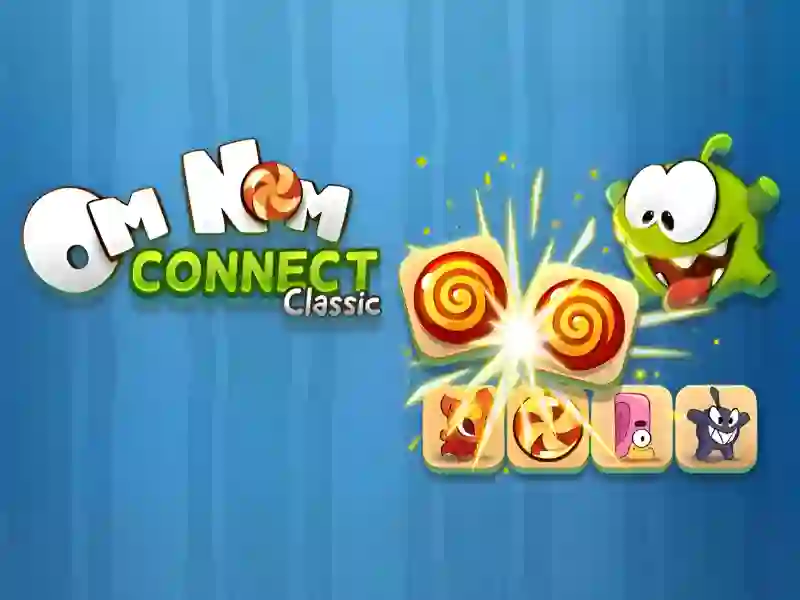
Om Nom Connect Classic is a bright and dynamic puzzle in the connect genre, created to test your attentiveness. If you like projects like Fruit Connect, Dynamons Connect, then this game will definitely captivate you for a long time. Main project tags: Om Nom, Compound In this game, you act as an assistant to the famous sweet tooth, and your main goal is to clear the playing field of all tiles by finding pairs of identical characters or objects. The project is fully adapted for modern browsers, so you can play it on both personal computers and mobile devices without any restrictions.
Basic gameplay
The gameplay is based on the classic Onet mechanics, where you need to find two identical images on the playing field. When you select two identical tiles, they disappear if they can be connected by a line that has no more than two bends. The difficulty is that the path between objects should not be blocked by other elements. You must constantly monitor the location of all monsters and sweets in order to build the most effective chains and open access to blocked parts of the field.
Levels and goals
Each level is a new grid with elements that must be completely disassembled in a limited amount of time. The timer constantly pushes you, forcing you to make decisions faster. As you move to new stages, the task becomes more complicated: new types of creatures appear on the field, and the mechanics of tile movement may change. In some cases, after removing a pair, the remaining elements are shifted up, down or sideways, which completely changes the current situation and requires you to instantly re-evaluate your strategy.
How to play
To successfully complete levels, start by looking for pairs located next to each other or along the edges of the playing field. Click on the first element and then on the second to make them disappear. If you are stuck, use the help tools on the right side of the screen. The magnifying glass bonus will tell you the available move, and the shuffle icon will shuffle all the elements on the field, creating new opportunities for connections. Useful life hack: do not waste bonuses in the first minutes of the level, try to save them for the final stage, when there are few tiles left and finding a pair will become much more difficult.
Gameplay Control
PC:
- To interact with elements and select pairs, use the left mouse button.
Smartphones:
- Tap your device's screen to select tiles and activate bonus abilities.
FAQ — frequently asked questions
How is progress saved?
Your current achievements and points earned are saved locally in your browser. This allows you to continue the game from where you left off if the tab was not closed completely, but clearing the cache may remove data.
What devices is the game available on?
The project is cross-platform and runs on any device with an up-to-date browser. You can comfortably play on smartphones running Android and iOS, as well as on tablets, laptops and desktop computers.
Is registration required?
No registration is required to access all features and levels. You can start playing immediately after the page loads, which makes the gameplay as fast and accessible as possible.
Play SGameS without installation on PC and mobile devices.