

Smash Diy Slime Fidget Slimy: one-button slime squish and laser-print effects
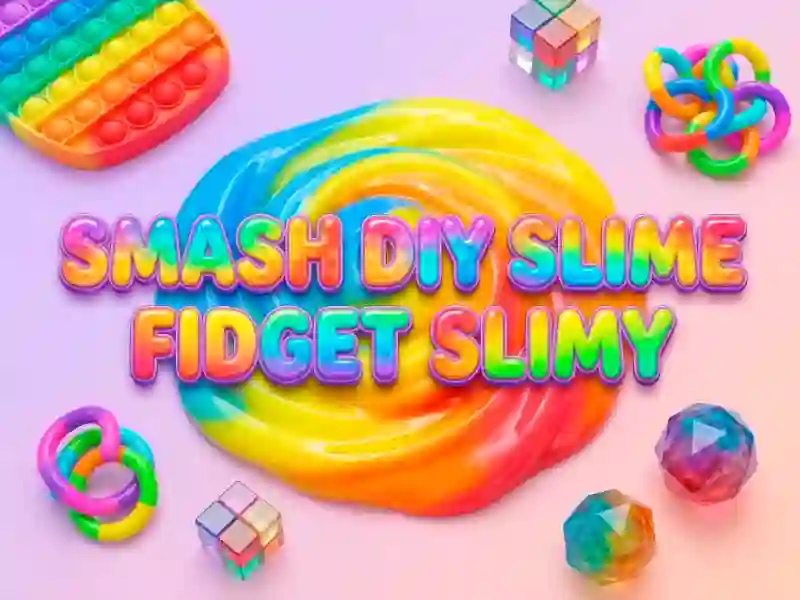
Use the left mouse button to press the slime flat, pull it outward, and watch the surface shift with a laser-print effect that makes every squeeze look different. Smash Diy Slime Fidget Slimy keeps the action close to a real fidget toy, with sticky textures, shape changes, and bright toy-box visuals. Because the whole thing runs in your browser, you can open it on desktop or mobile and start poking at the slime right away.
The game also adds a collecting side with Popits you can tap and gather, so the screen is not just one endless squish. That makes it a neat fit for kids' games, where simple controls and clear visual feedback matter more than complicated menus. The mouse-only input keeps it in one-button territory.
Mini-games that break up the slime tapping
There is a separate mini-game section with puzzles and runners, giving you a second mode when you want a short change of pace. The mix works well for relaxing sessions, and it runs with no signup or download.
For similar tactile play, Elastic Face shares the same stretch-and-pull idea, only with face shaping instead of slime. Destress Game lines up with the quick touch-based pace, while Cat Tofu Girl matches the soft, squishy presentation and casual screen tapping. If you want a browser game built around quick clicks, Popits, and mini-games, this one keeps the focus on simple motion rather than heavy rules.