


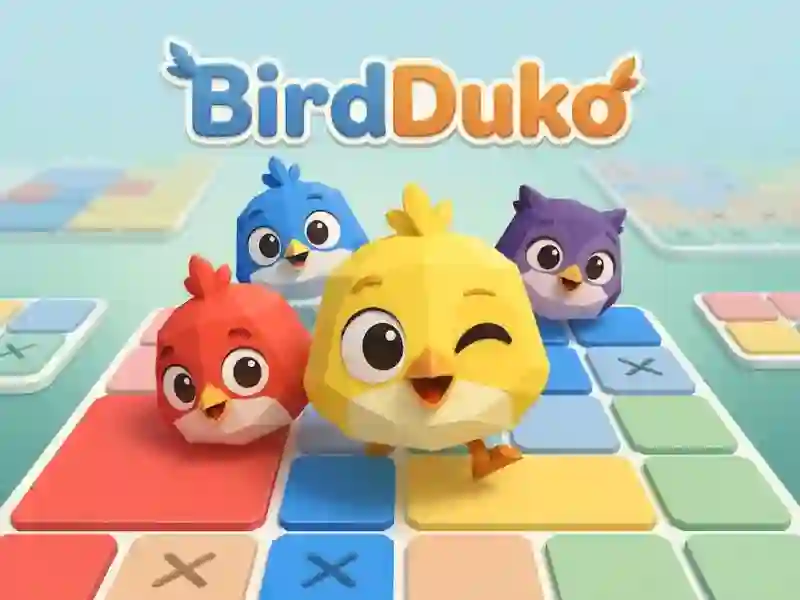
BirdDuko and colored cells
In BirdDuko you place birds in colored squares. Each colored area must have one bird, and you cannot place two birds in the same row or column. This is a logic puzzle with a field ranging from 4x4 to 9x9.
How to place the first bird
First, mark the empty cells with a cross. Then click on the marked cell again to place the bird, or remove it with the same action. If necessary, move the pointer along a row of cells to cross out several at once.
What to check before each move
Before each move, you check the row, column and colored area, and the same move calculation is needed in Sudoku Classic. Birds cannot touch even diagonally. One mistake breaks the arrangement and takes away the heart.
Hint and rollback
The Hint button opens one bird. Undo returns the previous step. After three mistakes the level starts again.