

Cozy Garden: cleaning, flowers and decor
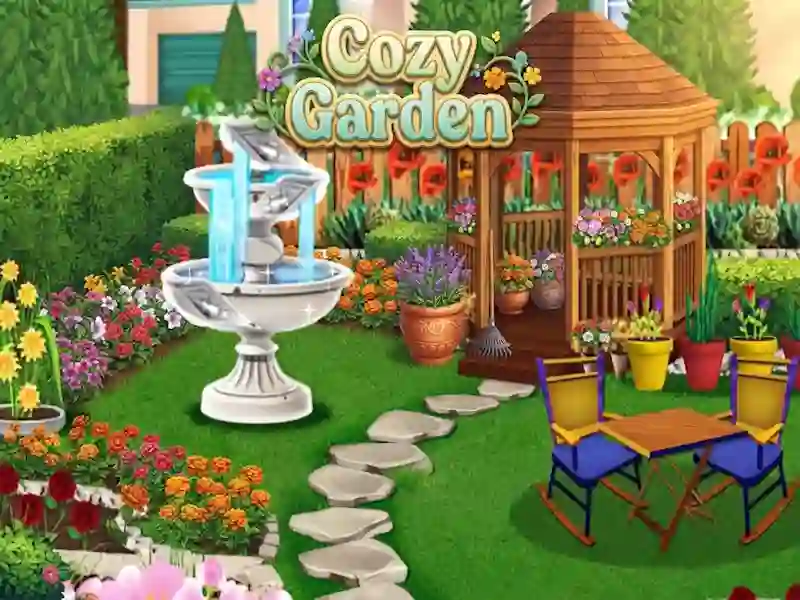
In Cozy Garden, you remove debris, rake leaves and return the areas to a neat appearance. It is closer to games of skill because precise actions and task order are important. It's based on cleaning, and then you unlock new levels, change the decor and work with plants.
How to choose the first plot
- Open the map and select an available level.
- Follow the prompts and drag the trash into the trash.
- Use the right tool for tracks and other tasks.
- Select the seeds and follow the steps shown to grow the plants.
How plants grow and decor is selected
To grow a plant, you select seeds and follow the steps shown. Then flowers appear on the site, and new compositions can be assembled from them. After that, you put up decoration that suits the style of the location.
Mini-games between tasks
Between cleaning and planting there are short tasks for memory, attention and reaction. They change the pace of the game, but do not remove the main goal of the level. This alternating rhythm is familiar from Match Dream Garden - there are also short pauses between the main actions.