

Sprunki Adventure 4 — searching for parts for a broken heater
In the game world of Sprunki, the central heater stopped working, and winter covered the entire earth overnight. The player must find parts that have scattered across locations and reassemble the car. This three-dimensional adventure game from VSG Enterprise studio, next part after Sprunki Adventure 3.
You walk through snowy locations from a third person perspective, picking up parts and collecting food at the same time. In the upper left corner of the screen there are icons of what needs to be found now — you can see from them what is still missing. Anything found goes into your inventory and can be opened at any time.
Residents tell you where to go
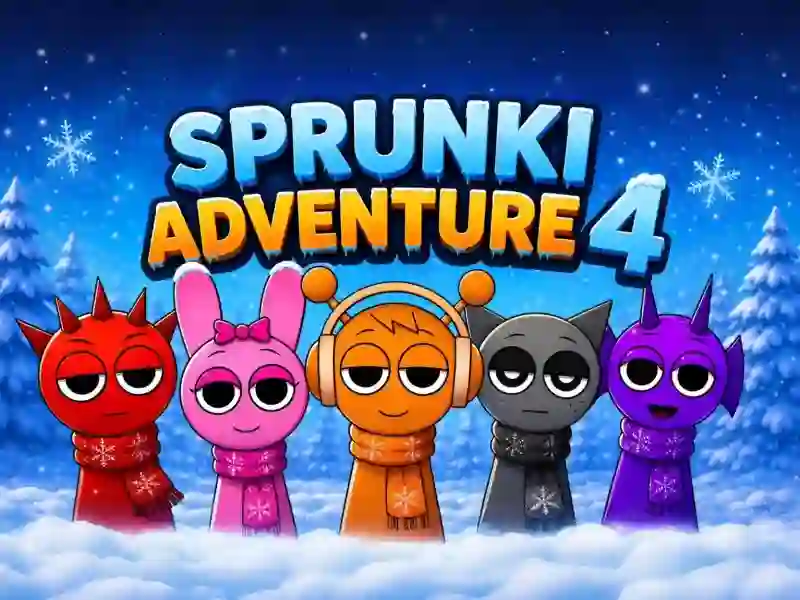
Characters The people you meet give you tasks and advise you where to look next. Therefore, the search does not turn into a blind walk around the map. The characters themselves come from a musical series, where they are put together in a mix, as in Sprunki Monster Music Beats, but here they participate in the usual plot adventure.
Movement is built around three modes: normal step, running and crouching. The camera can be rotated separately from the hero, and on a PC it can also be zoomed in with the right mouse button. The game runs on computer, Android and iOS, in horizontal and vertical orientation.