

Vector Parkour Run — silhouette-style parkour runner
The runner in Vector Parkour Run is always moving forward. You don’t control the running itself. You pick the move for each obstacle: jump, roll, slide, vault over a fence, swing from a bar, or leap through a window. In Rooftop Run, you only set the direction and the moves happen on their own. Here, you choose every move, and you need to hit the button at just the right moment.
How to earn three stars
A mistake doesn’t cost you the whole level. The wrong move, a wall at the wrong speed, or a chase shot sends you back to the last checkpoint. You can earn up to three stars per level: for beating your previous time, for collecting all bonus cubes, and for pulling off all the tricks. Use Q to do a trick where the marker lights up. Stars unlock bonus levels, and coins unlock new runners.
The game was made by Nekki, the studio behind Shadow Fight.
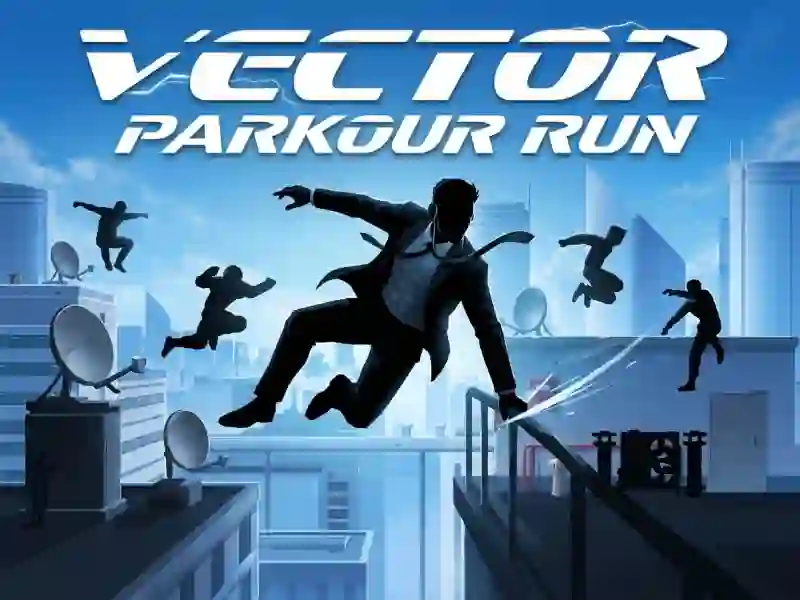
The runner and the city are drawn as bold silhouettes, and the action takes place across rooftops, construction sites, and labs. Ragdoll-physics adds weight to tricks and landings. If you like ragdoll physics in parkour games, check out Ragdoll Parkour Simulator.
The game works on PC, smartphones, and tablets. On phones, the main controls are on-screen buttons, with swipes adding extra input.