
Metro Train Simulator: orange-line station stops and cab control
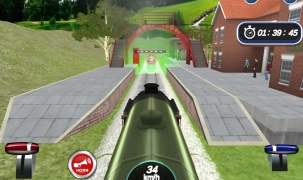
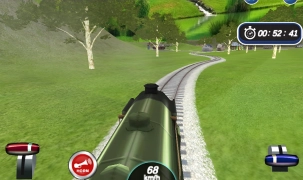
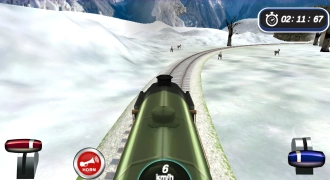
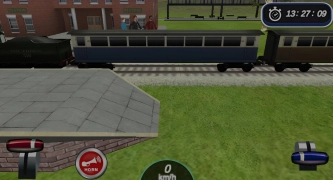
Metro Train Simulator puts you in a subway cab where you balance throttle, braking, signal checks, and precise station stops on an orange-line route in 3D. The action is all about lining up at the platform, timing your stop, and opening and closing the doors at the right moment.
You can play free online in your browser, with no download, and it runs on mobile and desktop. It fits the simulation lane, while the driving and racing category makes sense because every run depends on speed control rather than shortcuts.
Signals, doors, and the on-screen cab tools
Yellow and red signals change how you handle each stretch of track, so every section asks for a different pace. Yellow means ease off, red means stop, and clean braking matters more than raw speed.
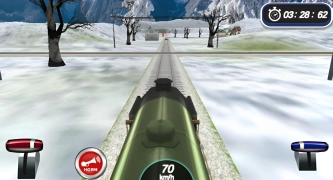
On PC, the game uses the left mouse button on the on-screen controls, while mobile play relies on taps and dragging. That lets you manage the horn, lights, throttle, doors, and camera view without leaving the cab.
- Throttle and brake: drag the control to speed up or slow down smoothly.
- Doors: open and close them after each station stop.
- Camera: swipe or drag to change your cab angle.
- Cab extras: tap the horn or lights when the route calls for it.
Career runs that open new lines and train models
The career mode starts with simpler routes and opens longer, more demanding lines as you earn points and coins. Accurate stops, on-time arrivals, and careful speed work help you unlock new train models and stations.
For another route-based vehicle sim, Bus Simulator Ultimate shares the same stop timing and passenger flow, just on a bus route. If you want a tighter city-driving cockpit, Real Driving: City Car Simulator matches the cab-style camera and road feel. Train Racing stays in the rail lane, so the speed control and track focus feel close.