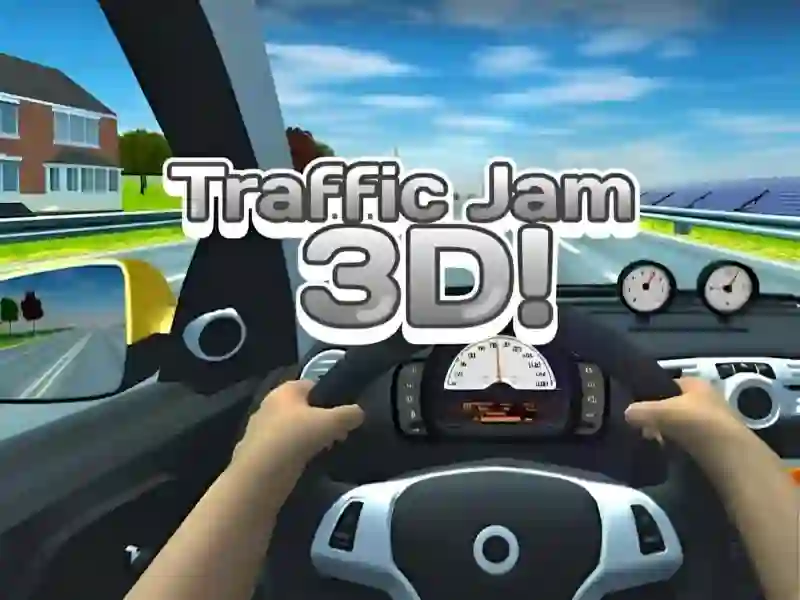
Traffic Jam 3d — free online game
Traffic Jam 3d
9 / 10
Loading...
Traffic Jam 3d — free online game
Traffic Jam 3d
Don't like this game?
Tell us why
Continue on your phone
Scan the QR code to open this game on your mobile device
How to play
Traffic Jam 3d — free online game

Traffic Jam 3d

Rating
9 (722 votes)
Technology
HTML5 (Webgl)
Platform
Browser (desktop, mobile, tablet)
Screen Orientation
Landscape
Release
June 2022
Last Update
May 2026
Name
Traffic Jam 3d
Category
Driving & Racing

Traffic Jam 3D: near-miss bonuses on busy highway lanes

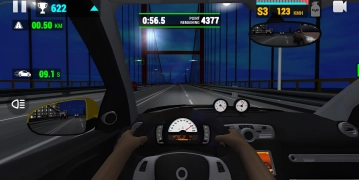
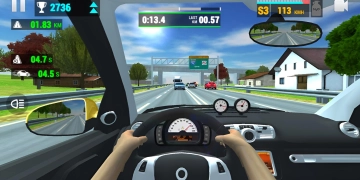
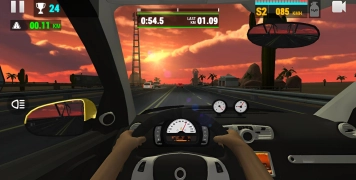
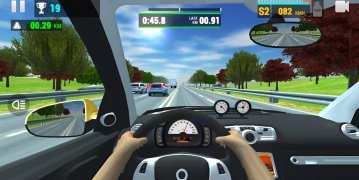
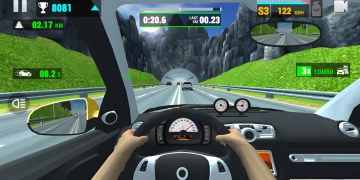
Traffic Jam 3D puts you into lane changes, close-call scoring, and checkpoint runs across busy highways, with a 3D city backdrop that makes every gap look narrow. The job is not just to drive fast; you need to read traffic patterns, squeeze between cars, and keep your line when a truck blocks the lane ahead.

That pressure turns every stretch into a timing test. A clean overtake can set up your next burst, while a bad merge can ruin the whole attempt, so the best route is often the one that keeps your speed steady and your car centered through the flow.

Timed missions, car upgrades, and fresh road layouts

The mission set mixes timed drives, point targets, and distance goals, so each run asks for a different pace. As you clear those objectives, you can open new locations and customize your car before the next traffic sprint.

Because it belongs in driving and racing, the game rewards clean passing more than reckless driving. Traffic Tour shares that highway pressure, while Highway Traffic also focuses on threading through dense lanes at speed.

Fans of traffic challenges will feel at home here, and the browser format keeps it simple: no download, no signup, just a run that plays on mobile and desktop. The road density rises as you advance, so nitro timing and lane choice matter more on later stretches.

Controls for Traffic Jam 3D

  • Arrow keys or WASD: steer, accelerate, and brake through the traffic.
  • C: switch the camera view for a better angle on the road.
  • N or Shift: trigger nitro for a fast burst between cars.

If you want a quick browser race with a real traffic squeeze, start playing and see how long you can stay clean at full speed.
Platform

Browser Desktop , Mobile and Tablet

Release

08 june 2022

Last Update

11 may 2026

How to play

PC:

  • WASD/arrows — movement
  • N — nitro
  • C — camera

Smartphones:

  • Buttons — movement
  • Button — nitro
  • Button — camera

FAQ — Frequently Asked Questions

What is Traffic Jam 3D about?

This is an arcade racing game on busy highways with realistic physics. You drive around vehicles and complete quests in 1 of 4 modes. The goal is to avoid accidents, earn coins and improve your car.

What genre does this game belong to?

This is an arcade racing game with elements of cars and 3D graphics. The game combines reflex driving, a progression system and car upgrades.

Who is it for?

The game is suitable for arcade racing fans aged 10 years and older. For beginners, the first levels of the Career will be enough; experienced players will be interested in levels with a high performance rating.

What makes it interesting?

There are 4 modes with different rules: survival, race against time, quests and free ride. The 5-parameter upgrade system really affects every raid.

Is the game available on mobile devices?

Yes. The game runs in the browser of a smartphone or tablet. There is no need to download anything.

Is the game free?

Yes. Here you can play for free on SGameS. The game opens in the browser — no installation required.

Is there a full screen mode?

Yes. Click the full screen button in the game interface. Available on PC and tablets.

How to use nitro correctly?

Press N to activate boost. In heavy traffic, nitro dramatically increases the risk of an accident. Only activate it on straight sections with good visibility ahead.

Screenshots