

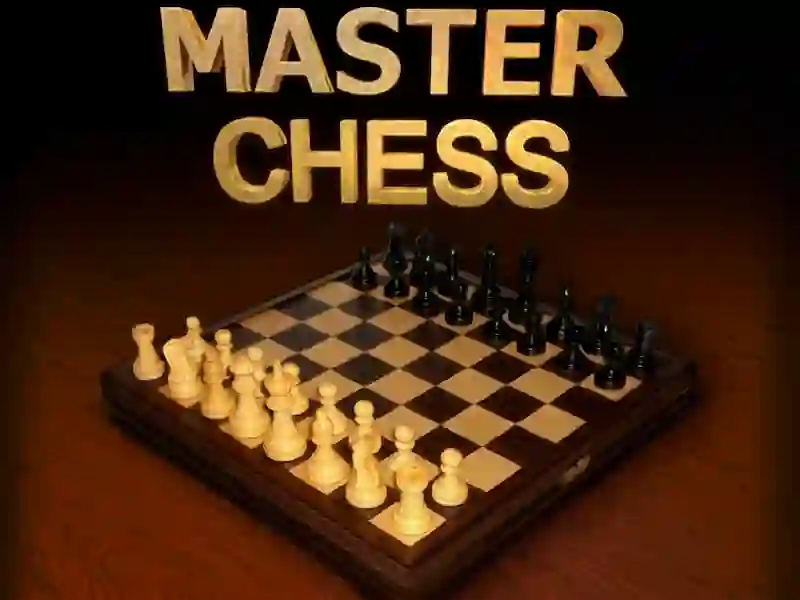
Master Chess on the classic 8x8 board
Master Chess keeps the standard 64-square board and lets you select and move pieces with a mouse, so each turn comes down to reading files, diagonals, and fork threats. The HTML5 presentation gives the board a clean modern look without changing the familiar rules, and you can switch between a computer opponent and a local two-player match. It runs in your browser with no download or signup, and the layout works on mobile and desktop.
Two modes for solo practice or same-screen duels
Two modes make the pace easy to choose. Against the PC, you can rehearse openings, piece trades, pin ideas, and endgame patterns at your own speed, then use the same board to challenge a friend on one screen. Because it belongs in logic games, every move rewards planning a few turns ahead instead of rushing the first capture.
Click-to-move controls that keep the board readable
The control scheme stays direct: click a piece, click the destination square, and the position updates instantly on the board. That makes it easy to test a queen raid, protect a king, or set up a simple mating net without extra menus. Short sessions work well when you want a quick match in your browser, and the piece selection is simple to follow on a small screen.
More chess boards and direct head-to-head picks
If you want another straight chess board, Chess Classic is the closest mechanical fit because it keeps the same piece movement and capture rules. For an opponent-focused twist, Chess Online leans into online play. If you want another direct duel, Chess Masters Multiplayer keeps the head-to-head pressure high. The chess tag groups more rule-driven board matches together.