
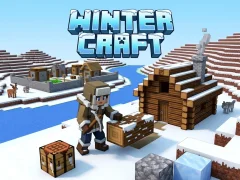

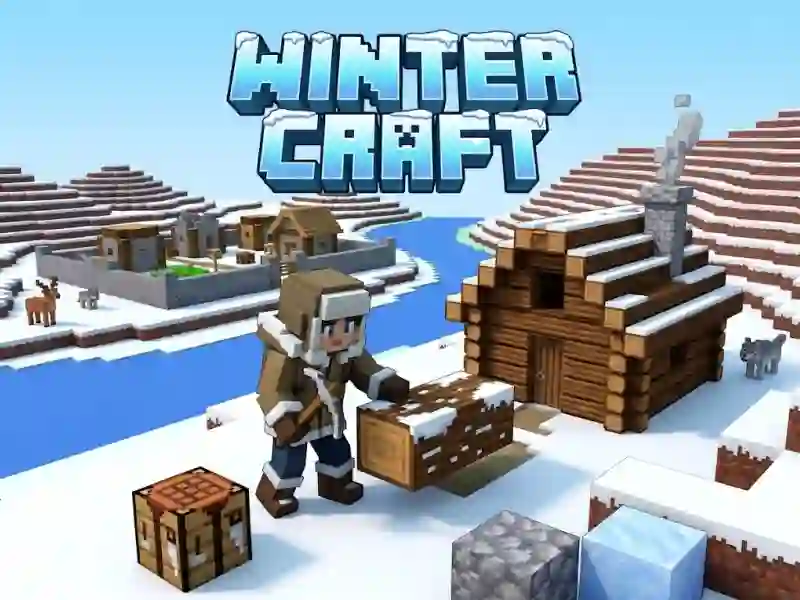
Winter Craft and the frozen terrain you reshape before the city grows
In Winter Craft, you start by changing the frozen terrain to fit your plan, then use the control panel to mine resources, place walls, and raise buildings. The blocky 3D winter look keeps the map readable while you carve out roads, storage spots, and a future town center.
This sits squarely in the strategy games lane because progress depends on when you gather materials and when you spend them. You do not just stack structures for looks; you decide when the walls go up, when new buildings appear, and when the settlement is ready for residents and animals.
Mouse and keyboard tools for building the settlement
Movement uses WASD, right click places blocks, left click breaks them, and E opens the inventory. That control set makes the game easy to handle in a browser, so you can start shaping the map right away in a free online game with no download or signup.
- Use WASD to walk across the snowy map and reach new build spots.
- Right click to place blocks when you are outlining walls or buildings.
- Left click to break terrain and clear space for the next structure.
- Press E when you need the inventory panel for building and resource checks.
If you enjoy long-term city growth, City States Idle is a close match because both games reward steady expansion and resource flow. For a fantasy city builder, Elvenar shares the same gather-build-upgrade rhythm. If the block crafting is what pulls you in, Vectaria mirrors the sandbox feel with a similar build-and-explore structure.
Once the city is ready, you can populate it with residents and place animals around the settlement, which makes the finish feel complete instead of temporary. That final stage gives the snowy map a clear payoff: mine, build, expand, then settle the land you transformed.