

About FNF vs FNAF Gold
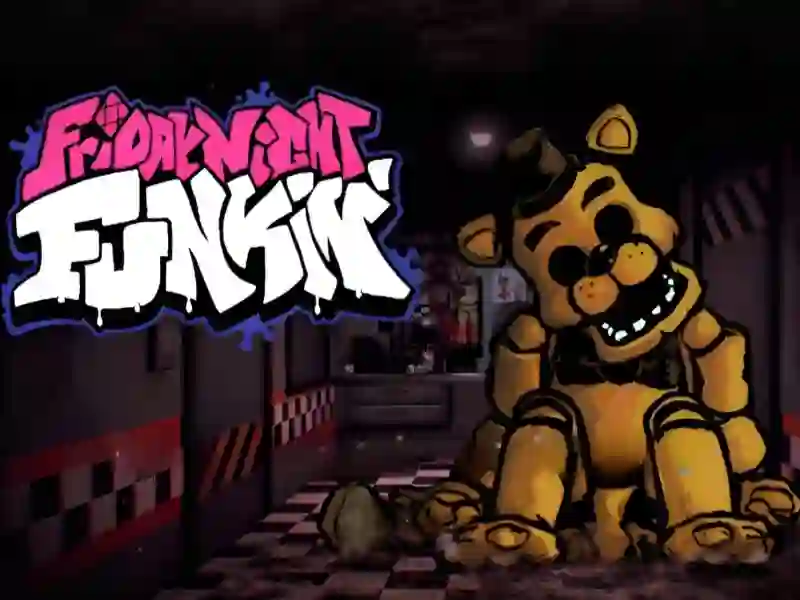
FNF vs FNAF Gold is a unique rhythm horror game that combines musical competition mechanics and survival elements. This project is in many ways reminiscent of games such as Friday Night Funkin And Super Friday Night Funkin at Freddy's 2 The main thematic tags for it are Five Nights at Freddy's And Friday Night Funkin.
You play the role of a Boyfriend who finds himself in an abandoned pizzeria and faces a dangerous opponent named Golden Freddy. Your goal is to win the vocal duel and not let the animatronic get to you. The game is fully adapted to work in a browser, so you can enjoy the process both on a personal computer and on mobile devices. Your survival depends not only on the accuracy of pressing buttons, but also on the ability to react in time to paranormal phenomena.
Basic gameplay
The gameplay is a classic battle, complicated by elements from the horror genre. You need to click on the corresponding arrows to the beat of the music while the symbols move on the screen. The main feature of this version is the need to monitor monitors and surveillance cameras. While you perform your part, you will have to be distracted by the security system to control the movement of the ghostly bear and prevent it from suddenly appearing in the office.
Levels and goals
The main goal of each stage is to finish the song to the end while maintaining your health bar. Progress is divided into several phases where the difficulty gradually increases. You need to survive the musical attack and not miss a critical number of notes. If you allow the enemy to fill the gauge or ignore the camera signals, the game will end in instant defeat. Your task is to drive out the enemy using the power of your voice.
How to play
Watch the arrows that rise at the bottom of the screen and click on them exactly when they coincide with the outlines above. At the same time, do not forget to look at the auxiliary interface elements responsible for the security system. Useful life hack: try not to focus your eyes on just one area, use your peripheral vision to simultaneously see both the rhythm track and the approaching threat. It's also best to check monitors during short pauses between vocal phrases.
Control
PC:
- Use the arrow keys or WASD to hit notes, and the mouse to interact with the camera pad and doors.
FAQ — frequently asked questions
How is progress saved?
All your achievements and open stages are saved automatically in the memory of your web browser.
What devices is the game available on?
The project is available on desktop PCs and laptops.
Is registration required?
To start the battle you do not need to create an account, the game is available for instant launch.
Play on SGameS without installation on PC.