

About Five Nights at Freddy’s 2
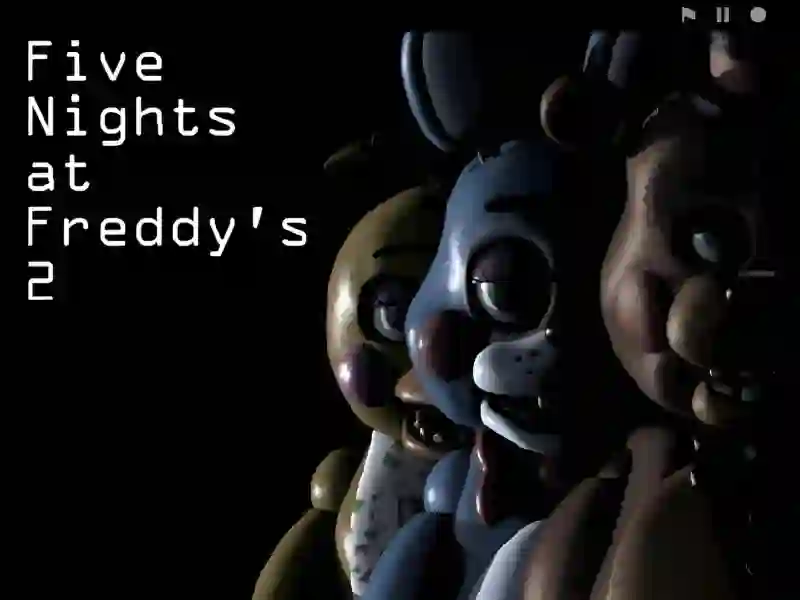
Five Nights at Freddy's 2 is a spine-chilling genre-bending horror Five Nights at Freddy's And Survival You take a shift at a revamped pizzeria as a night guard, whose main task is to survive five nights surrounded by malfunctioning animatronics. The project is in many ways similar to Freddys Return Village Escape and original Five Nights at Freddy's The game is fully adapted to run in a browser on PC and mobile devices.
Basic gameplay
What to do
You have to control the situation in the establishment, sitting in an office that now has no doors. Instead of them, in front of you is a huge open corridor and two ventilation shafts. You must monitor the robots' movements through the video surveillance system, illuminate dark corners with a flashlight in time, and wear a special bear mask to deceive the attacking animatronics. The most important thing is to constantly wind up the music box in the prize corner, otherwise one of the most dangerous opponents will escape to freedom.
Levels and goals
Your goal is to last from 12 at night to 6 in the morning. Each subsequent night becomes more difficult: the animatronics move faster and their number increases. In total, the game features several main shifts and an additional sixth night. The main resource here is the flashlight charge, which is consumed when checking the corridor and cameras. If you make a mistake or forget to wind the box, your shift will end with a surprise attack.
How to play
To win, you need to develop a clear algorithm of actions. Check the ventilation first, then look into the corridor, then switch to chamber 11 to wind up the music box. Repeat this cycle constantly.
- Lifehack 1: Use Freddy's mask instantly as soon as you lower the camera tablet. If the animatronic is already in the office, you have a split second to put it on.
- Lifehack 2: Save flashlight light in the first hours of the night. Light up the corridor with short clicks to simply see the silhouette, rather than holding the button down.
Controls in Five Nights at Freddy's 2
PC:
- Moving the cursor to the edges of the screen allows you to look around the office. Pointing to the bottom right panel opens a tablet with cameras. Hovering over the bottom left panel puts on the mask. The Ctrl key turns on the flashlight.
Smartphones:
- Use the interactive buttons at the bottom of the screen to activate the mask or monitor. To turn on the flashlight, press the central area of the screen or the special light button in camera mode.
FAQ — frequently asked questions
How is progress saved?
Your progress through the nights is recorded automatically in your browser's local storage. You will be able to continue the game from the night you left off, provided you have not cleared the cache.
What devices is the game available on?
The project is optimized for work on personal computers running Windows and macOS, as well as on smartphones and tablets with Android and iOS systems.
Is registration required?
Registration is not required for full gameplay on SGameS. You can launch a horror game and start your shift immediately after loading the page in the browser.
Play SGameS without installation on PC, Android or iPhone. Test your nerves in the legendary horror!