
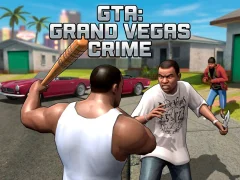

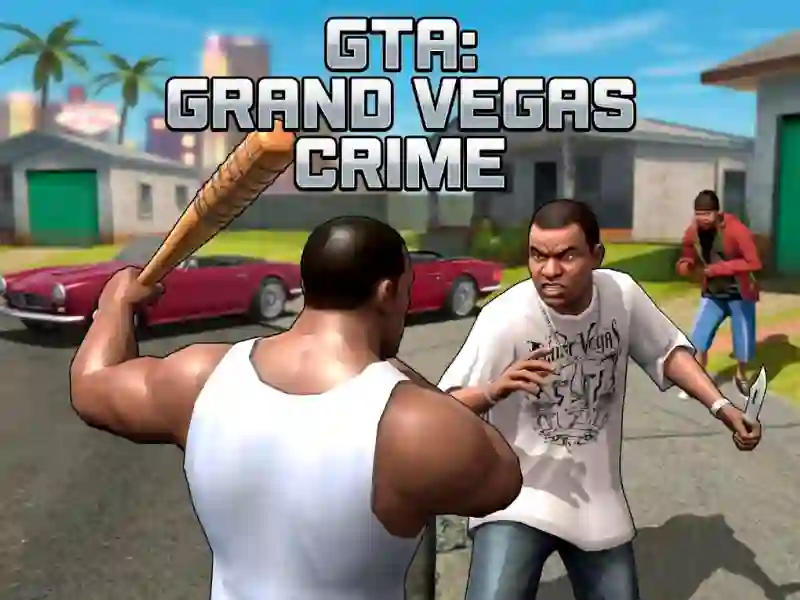
GTA: Grand Vegas Crime in a Las Vegas-style crime city
GTA: Grand Vegas Crime puts you on foot and behind the wheel in a crime city built around robberies, vehicle theft, and shootouts, with a Vegas-inspired skyline that keeps every street bright and exposed. You move with WASD, swing the camera with the mouse, and use Left Mouse Click to hit or shoot, so each job becomes a quick mix of aiming, driving, and escape routes.
As a browser shooter, it does not lock you into one style of play. Press E to enter or exit vehicles, switch from street combat to a getaway car in seconds, and pause with Escape when you want to reset the chase before the next fight.
- WASD for movement through streets and alleys.
- Mouse to look around before you commit to a shot.
- Left Mouse Click to hit or shoot.
- E to enter or exit vehicles during a chase.
- Escape to pause the action.
Robberies, gang fights, and police pressure
The mission flow leans on bank and shop robberies, gang clashes, and police chases, so the city layout matters every time you leave a stolen ride or sprint into cover. The city tag fits because streets, traffic lanes, and corners all shape how long you can hold off law enforcement.
If you like crime-sandbox driving, GTA Crime Simulator is a close match because it also mixes free-roam chaos with vehicles and gunfire. Dude Theft Auto shares the same city-street crime setup and keeps the focus on roaming, stealing, and fighting. Real Gangster City Crime Vegas 3D echoes the Vegas-style setting and gang battles.
You also get a broad vehicle pool from the input, including cars, motorcycles, helicopters, and tanks, which keeps escapes varied even when the police are closing in. With no download and no signup, the game runs in your browser, and if you want that loop on SGameS, Try it now.