

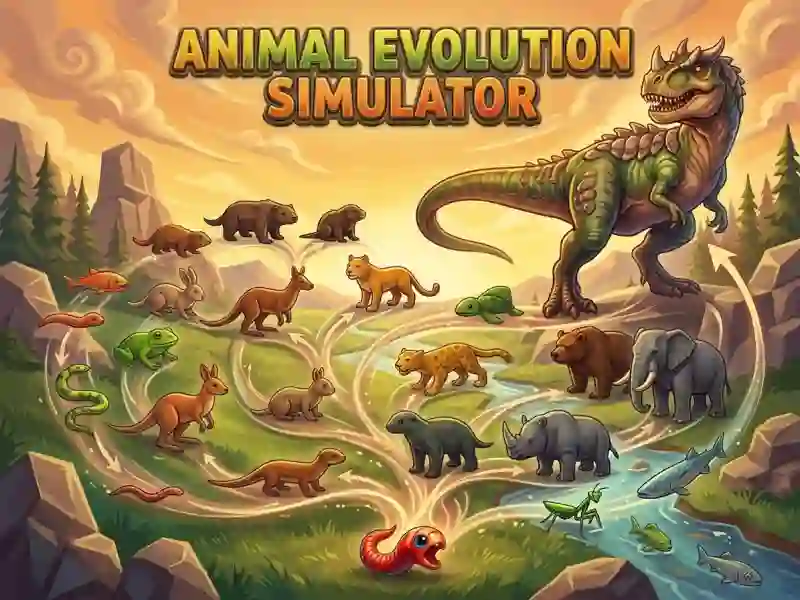
Animal Evolution Simulator — from worm to massive beast
The game starts in the forest, and you play as a worm. Almost any animal around you is stronger than you. Food comes from mushrooms and plants: move right up to them and click until they disappear. A big mushroom takes more bites than a regular one. The blue bar at the bottom of the screen shows your level progress. When it fills up, you transform into the next animal — bigger and stronger than before.
Who to attack and who to avoid
Beasts have a visible health bar, so use that to size up your opponent. In the forest, you’ll run into hedgehogs and boars, and later on there are other animals. Fighting a beast stronger than you is risky, but beating it gives you much more experience than taking down a weaker one. That’s the main choice in the game: grow slowly and safely, or take the risk for faster evolution. There’s a power-up item that boosts your attack power. For another animal-themed game in a different genre, check out Zoo Anomaly Simulation.
What changes after the forest
Beyond the forest, a savanna opens up, followed by new biomes. Each location has its own look and its own set of beasts, so familiar enemies get replaced by new ones. Your journey takes you from a worm all the way to huge predators, including a lion. If you’re more interested in life evolution itself than combat, take a look at Cell to Singularity: Evolution.