

Zaruvane - The Amber Oasis: oasis, supplies and storms
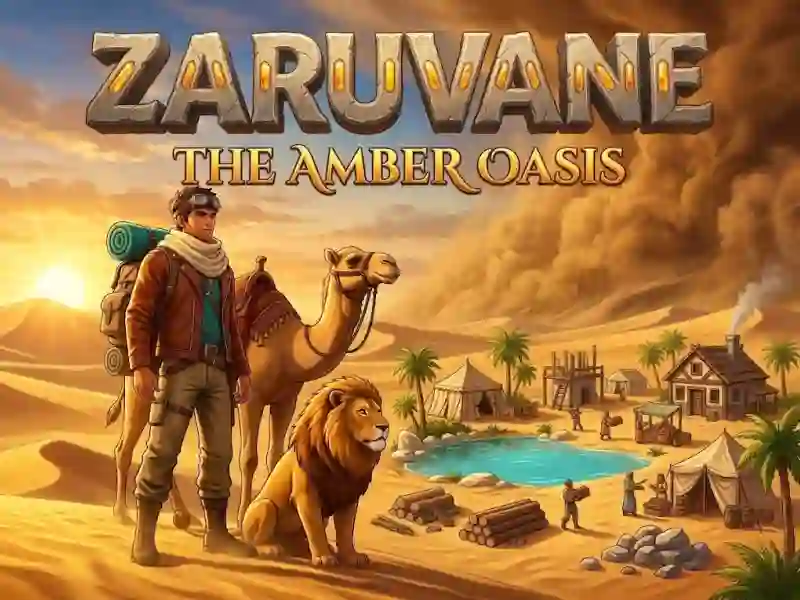
In Zaruvane - The Amber Oasis, you build a camp in the desert and collect wood, stone, iron, food and water. This is a strategy for reserves, where it is important not to spend too much on a long journey. The further you lead your companions, the faster the supplies melt.
How to expand the first parking lot
Your first tent is already up, and from there you expand the parking lot. You collect wood, stone and iron to grow your camp, just like in Oceania. To do this, invest resources in construction. Then open a market to exchange supplies and a tavern where you need food and water.
When to take companions on a journey?
Cats, hounds, horses and desert game can become your companions, and animals spend more supplies when they are nearby. If they stay at home, food and water are used up more slowly. For a long journey, take them only with reserves and shelter in case of a storm.
What to do during a sandstorm
When a sandstorm hits, animals need shelter. You keep food and water in reserve, because when you're on a hike, your supplies run out faster than at home. You walk through the desert with reserves, just like in Animal Evolution Simulator.