

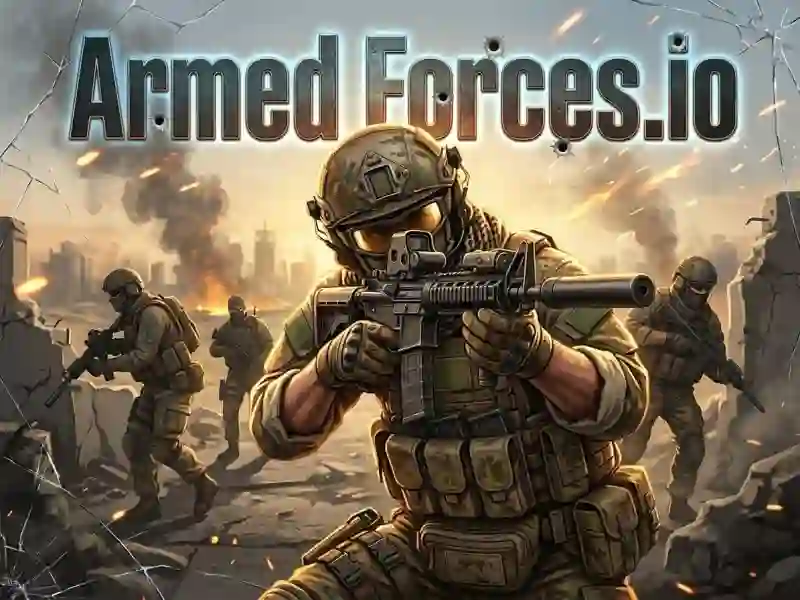
ArmedForces.io — online military shooter
ArmedForces.io is a multiplayer first-person io shooter with tactical combat army games. You step into the boots of an elite soldier and take on real players from all over the world. If you want more high-intensity action, check out Hazmob FPS. The game runs on PC, smartphones, and tablets, making it perfect for a quick break.
Weapons, cover, game modes
ArmedForces.io is a fast-paced FPS with several battle modes:
- Team Deathmatch
- Free for All, Capture the Flag
- Bomb Defuse and Gun Game.
You pick your loadout before each match: assault rifles, pistols, sniper rifles, grenades, and a melee knife. Maps take you through city streets, trenches, and open firing positions. Use cover and hold angles — that’s what decides the fight. Body armor absorbs damage, while a medkit restores your health right in the middle of battle.
Survive and rack up points
The goal is to score more frags or complete the mode objective before your opponent does. Each match lasts 10 minutes. You earn coins for kills and wins, then spend them on new weapons and better armor. Free for All throws you into a fight against everyone — only skill matters.
Unlock better gear
Progress is built on coins and match points. You buy stronger weapons, upgrade your armor, and unlock supply drops — random crates packed with rare gear. There’s no final end: the game keeps an online ranking, and your position changes after every match.
For tactical shooter fans
This game is a great pick for fans of military FPS games and classic io games. New players will enjoy TDM, which teaches the basics without punishing mistakes too hard. Experienced players will find depth in Bomb Defuse and team tactics.
Combat tactics and pro tips
- Choose a mode and set up your loadout for it before the match starts.
- Use Shift to sprint when changing position.
- Switch weapons with 1, 2, 3 — don’t wait to reload in close combat.
- Pick up a medkit with H right after you leave a firefight.
- Watch the mini-map in the top-left corner — it shows nearby enemy positions.
- Slow down your peeks from cover. Quick peek → 2 shots → back to cover cuts deaths better than any armor upgrade.
- Use TDM to learn the maps. Enemy movement patterns on each map are consistent — memorize them in 2–3 matches.
Similar games on SGameS:
- Sniper Attack 2 — sniper duels on open maps
- Sniper Combat — realistic shooting with scope and wind
- Deadshot.io — fast io arena battles with a sniper
Jump into ArmedForces.io right now — free to play, no download needed on PC, smartphone, or tablet, прямо in your browser!