

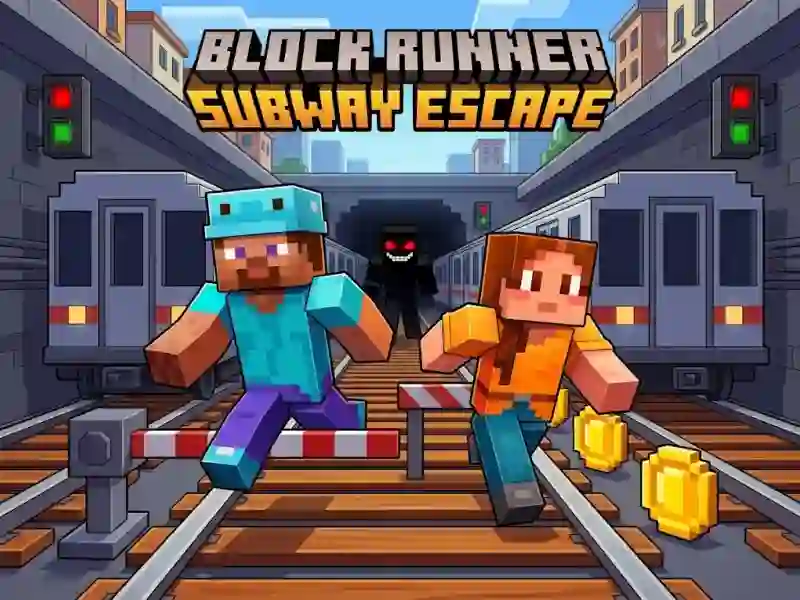
Block Runner: Subway Escape - mining and construction in the block world
In Block Runner: Subway Escape you explore a colorful mini-world, get resources and place blocks for your buildings. Here the adventure action is based on finding the right blocks and placing them accurately next to you.
How to start mining and construction?
- On PC, use WASD or arrow keys and look around with your mouse.
- LMB mine blocks and interact, and RMB place the selected block.
- On mobile, use the stick to move, swipe to view, and tap to loot.
How to collect resources and install blocks
You mine blocks, take resources and immediately transfer them to construction. A short cycle is suitable for this: he examined the place, obtained the required block, and put it in place. In this game you collect resources before construction, the same calculation of progress is needed in Ben 10 Up to Speed.
What does R do in the game?
On PC, the R key immediately restarts the attempt. After that, you collect the blocks again and place them from scratch. If an error breaks the construction plan, a new entry starts on the same screen from the beginning.