

Obby: Keyboard Run +1 Speed and the path to the cup
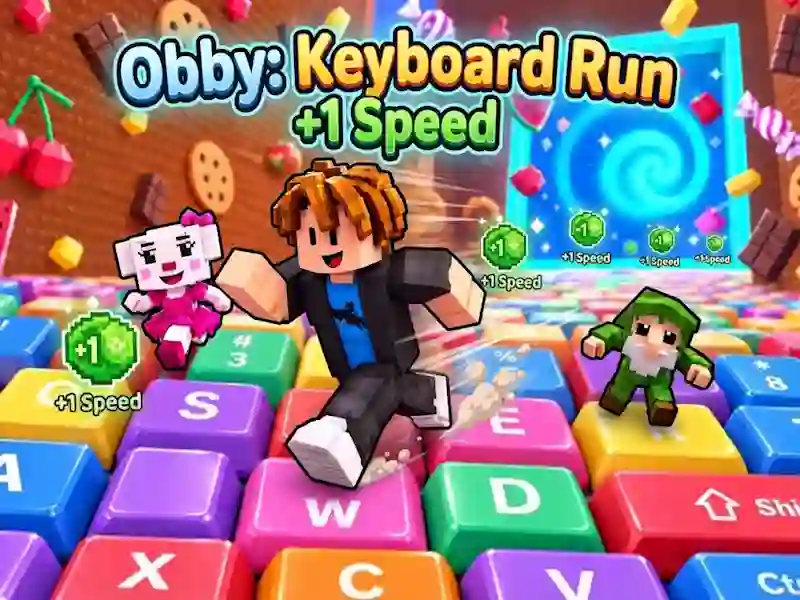
In Obby: Keyboard Run +1 Speed, you navigate a 3D obstacle course using the keys and gain speed with every step. This is one of the skill games where you guide the hero to the cup at the end of the course.
How to reach the cup on the first track
- Move WASD on the keys and keep the hero on the lane.
- Space jump over gaps and obstacles.
- Hold RMB to inspect the next area.
- Reach the cup at the end of the course and collect victories.
What do victories and improvements give?
At a distance, you collect victories, as in Ball Gradient - familiar from collecting. Victories unlock character upgrades. They help you progress further in your courses.
When progress is saved
There are two worlds in the game, and you go through them at your own pace. Progress is saved, so after a new session you continue from the same place. You can get an optional reward for watching ads.