

Car Wash Simulator: car wash, tips and business development
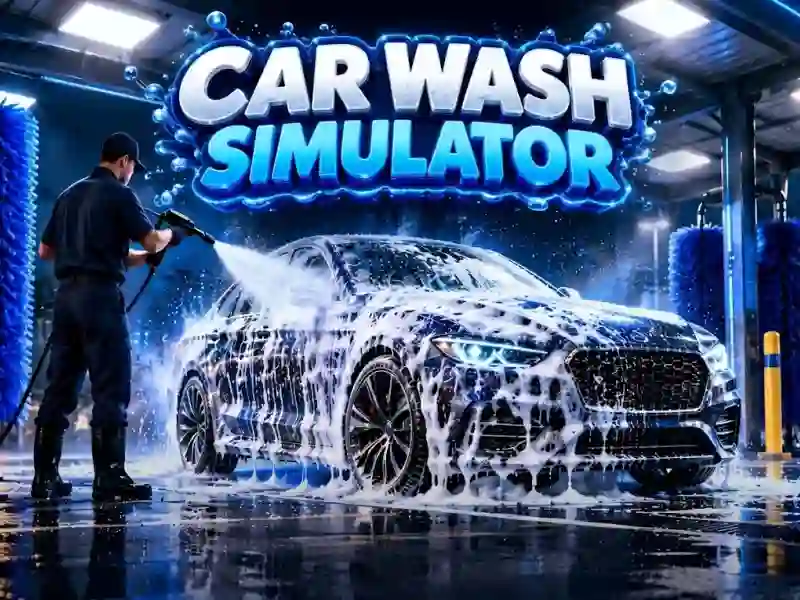
In Car Wash Simulator you build a car wash and clean dirty cars with a pressure washer, foam and detailing tools. This is one of the management games where clean work brings tips and immediately changes the appearance of the car. All the work depends on cleaning, because the dirt is removed in layers.
How to start your first orders
First, you take a dirty car and choose what to wash it with. On the first order, you can see where foam is needed and where fine-tuning is needed. The work proceeds step by step so as not to leave dirt on the body.
Upgrading the sink and new jobs
The income is used to improve equipment, expand washing stations and hire employees. You are building car wash management, not just saving money. You invest your profits into expanding your posts, just like in Gas Station: Junkyard Tycoon.
What auxiliary videos provide
If there are not enough resources, the video gives an assistant, soap refills or money for improvement. This helps not to stop the shift when there are more posts and dirty cars come one after another. Such solutions are needed when the manual pace is already slowing down.