

Cat Mine: mining in a changing mine
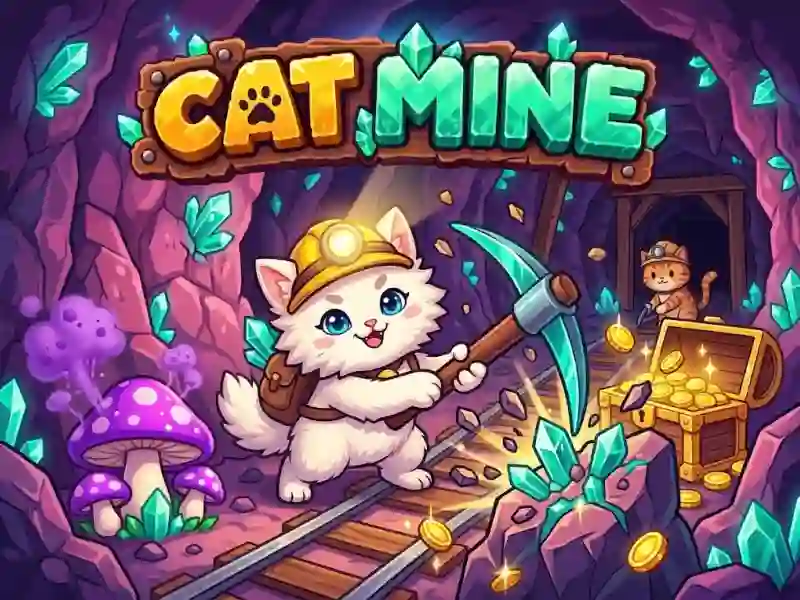
In Cat Mine, you lead a team of pixelated cats through a changing underground mine, digging for rock and pulling out ore. This is a strategy where it is important to take the prey to the camp on time and not linger near dangerous mushrooms. There are different skills among cats, and chests and relics contain part of the progress.
How to start an excavation
- Follow the adjacent tiles and dig the stone along the way.
- Scan adjacent tiles so you don't go blind.
- Collect ore, chests and relics, but avoid dangerous mushrooms.
- Return to camp when the loot has already been collected.
What to do in the camp after returning
At the camp you sell ore and treasures, and then close orders. This rewards equipment upgrades, new cats, and badges. Returning to camp links the outing to leveling up, just like in Island Expander.
How the scan and cat skills work
The Q key scans adjacent tiles and helps you choose a move without unnecessary risk. The F key turns on the selected cat skill, so before a deep sortie it’s worth taking one whose technique suits the route. The E key immediately takes the squad to the camp.