

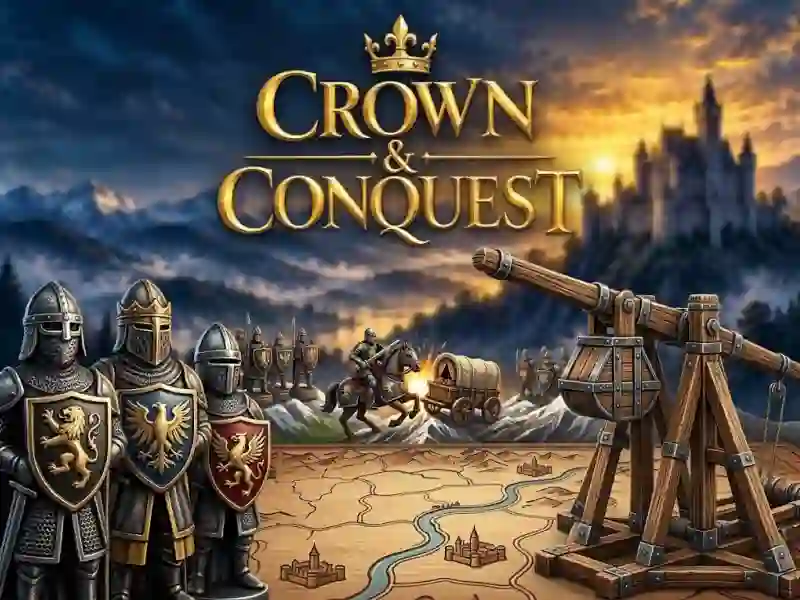
Crown Conquest: capture cities on the map
In Crown Conquest, you lead a kingdom across a contested map and take cities from your opponent. Choose a campaign and transfer your army between cities. This is a strategy about capturing territory.
How to start a campaign
- Select a campaign and open the map.
- Click on cities and issue orders.
- Transfer troops between your cities.
- Capture other people's cities and don't give up yours.
How many troops choose 1, 2 and 3?
Keys 1, 2 and 3 select 50, 80 or 100% troops. R gathers troops in the city. Space and Esc pause.
How to move the map and zoom it in
On a PC, the map is moved by dragging, arrows and WASD. The mouse wheel changes zoom. On a mobile phone, you pull the card with one finger and zoom in with two fingers.
How to take other people's cities
You send troops between cities and take other people's points, just like in State.io. Your cities also remain under your control while you choose where to send your troops. Therefore, you monitor both the attack and your cities.