

Demolition Foreman: demolition along load-bearing supports
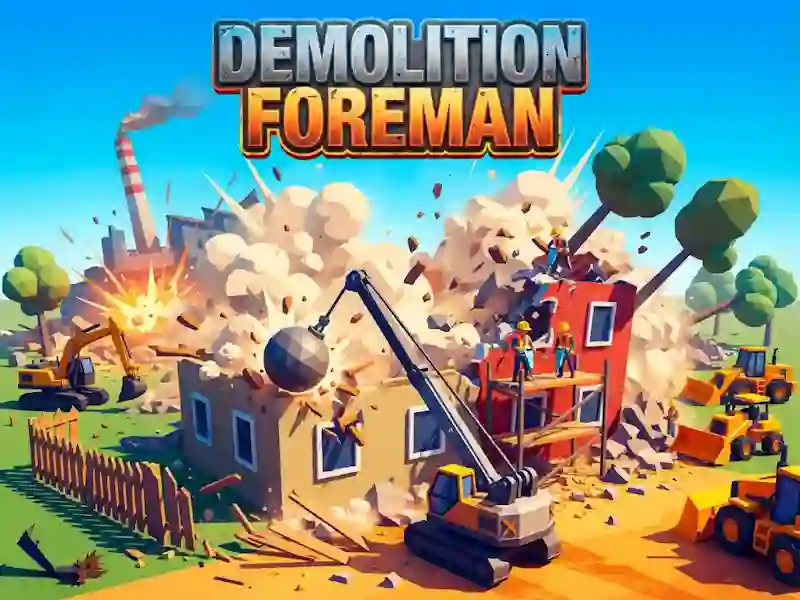
In Demolition Foreman, you choose your point of attack in a first-person demolition simulator. It is important here not to hit the entire wall in a row: if you remove the load-bearing part, the roof and slabs go down on their own.
First take the order and find support
- Take your office work and go to the site.
- Check out what's holding up the top of the building.
- Hit the load-bearing part to trigger a collapse.
- Look at the share of destruction: for an order they give up to three stars.
How a building falls without a script
Physics decides every shot here. The boards are held on by nails, the brick sits in mortar, and the concrete panel supports everything that stands on top. If you knock out the wall under the roof, the slabs fall down on their own. The same explosion calculation is needed in Solar Smash: here it is also important to remove the support, and not break everything.
What the stars, experience and changes reveal
There are 24 orders in the game: from an old fence and a garden shed to a brick garage, a bathhouse and a five-story oil rig. Tools range from an axe, sledgehammer, hammer and nail puller to a chainsaw, excavator and demolition charges. Stars go to the research tree for 37 lessons. The job gives experience and 25 ranks, and every day opens a new shift with tasks.