

Find Objects Hidden Item and the map-by-map search
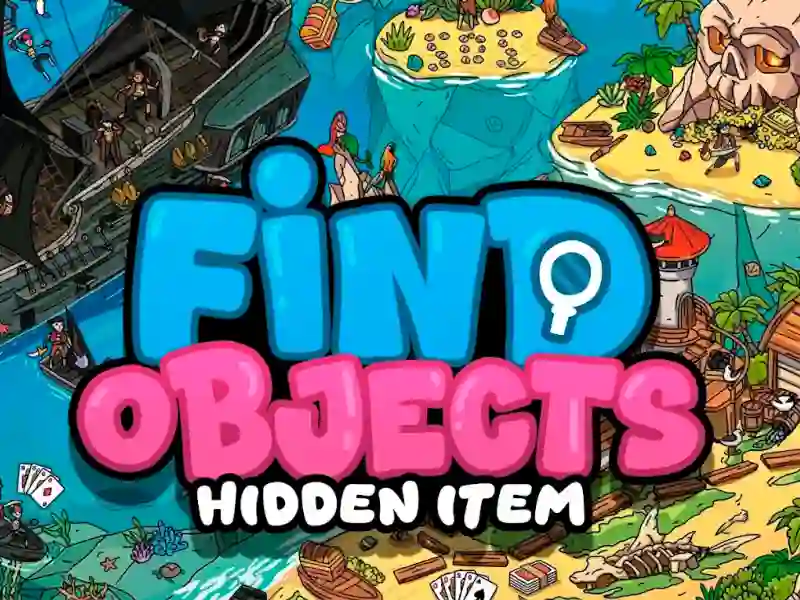
In Find Objects Hidden Item, you scan painted 2D locations, match the target list at the bottom, and click each object to clear it from the panel. The scenes are busy with small details, so a souvenir, a clue, or an Easter egg can hide in plain sight while you work through each level.
This fits the Logical category because the challenge is all about careful scanning, not speed. The hidden object tag also fits, since each scene asks you to pick out items from a packed illustration. The Attention tag makes sense when one missed corner can leave a board unfinished.
Zoom, hints, and touch controls for tight hiding spots
You can play online in your browser with no download or signup, then use simple controls to move around each map.
- PC: click items with the mouse, hold the right button or use the arrow keys to move, and scroll the wheel to zoom in on crowded areas.
- Mobile: tap hidden items on the screen and keep searching the same illustrated scenes on a touch device.
- Hints: use them when an object is tucked into a corner or blended into the background art.
Spot the Difference mode when you want a second test
The Spot the Difference tag matches the same observation challenge, but it swaps the item list for two nearly identical pictures. For a close mechanical match, Hidden Object Great Journey also sends you through detailed search scenes with the same click-to-find rhythm.
Hidden Objects Island Secrets keeps the treasure-hunt feel in scenic locations, while Find 500 Differences pushes the comparison side of the genre with a much bigger difference-count chase.