
Spot the Difference Games
Games: 1077 latest added September 5, 2026
Two pictures sit side by side, and a handful of small changes separate them. Levels run from the cartoon cast of Talking Tom: Differences to the uneasy frames of Anomaly Search, with crowded hidden-object scenes mixed in. Every set loads free in your browser, one click per find.
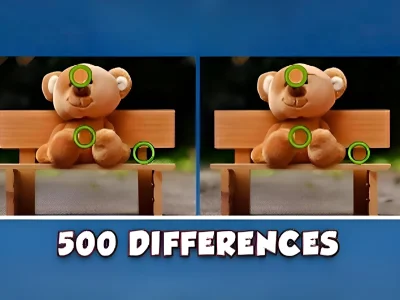 Find 500 Differences
 What's The Difference?
 Rachel Holmes: Find Differences
 Talking Tom Differences
 10 Differences
 Garden Secrets Hidden Letters
 Find Hidden Objects
 Anomaly Search
 Spot 5 Differences
 123 Game
 Dobble Go!
 Hello Kitty Educational Games
 Paris Hidden Objects
 Objects
 Finding the Differences in the Pictures
 Spot The Difference
 Sprunki Incredibox Differences
 Courage The Cowardly Dog
 That's not my Neighbor Find the Difference
 World Trivia 2018
 Spring Trails Spot The Diffs
 Minesweeper Find Bombs
 Desert Oasis Hidden Secrets
 Day Care Simulator
 Spot The Difference
 Monkey GO Happy Stage 481
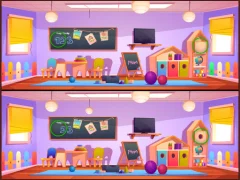 Spot The Differences
 Ben 5 Difference
 Crime Detective: Spot Differences
 Ben10 5 Diffs
 Educational Games For Kids
 Eraser
 Finding Animals
 Pocoyo Hidden Objects
 Butterflies Puzzle
 Spooky Halloween Hidden Pumpkin
 Kid Find Seasons
 Ben 10 Spot The Difference
 Button & Scissors Story
 Sprunki Find The Differences
 Identify Quick
 Unicorn Find The Differences
 Find The Differences
 Nippets
 Spring Differences
 Dora Hidden Maps
 Spot the differences halloween
 Find It Find The Differences
 Mr. Bean Hidden Teddy Bears
 Autumn Garden Find 100 butterflies
 100 Hidden Capybaras
 Hidden Object
 Hidden Flowers
 The Hidden Objects Game
 Hidden Objects Futuristic
 Spot The Difference Wild West
 Pet 5 Diffs
 Find The Ball
 Monster Truck Hidden Star
 Sprunki Mini Games
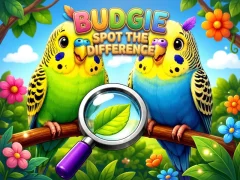 Budgie Spot the Difference
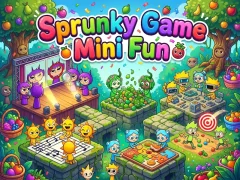 Sprunky Game Mini Fun
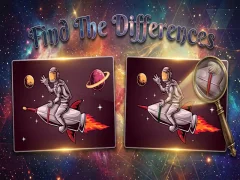 Find The Differences
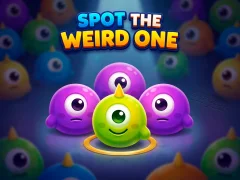 Spot The Weird One
 Twin Peeks
 Dream Puppy Spot The Differences
Rachel Holmes: Find Differences
Dream Puppy Spot The Differences
Rachel Holmes: Find Differences
 Wolfoo Spot the Difference
 Find the differences Another World
 Spot The Difference Mystic Mermaids
 Contrast Odd One Out
 Odd Kicked Out Quick
 Summer Spot the Differense
 Contrast Kids
Ben 5 Difference
Contrast Kids
Ben 5 Difference
 Spot the Differences Color Madness
 FindTheDifferent
Spot The Difference Wild West
Finding Animals
Day Care Simulator
See all New games
FindTheDifferent
Spot The Difference Wild West
Finding Animals
Day Care Simulator
See all New games
Two Frames, Five Changes and the One You Always Miss
These puzzles place two near-identical pictures next to each other and ask you to click whatever moved, vanished or changed colour. Most sets are built on levels, so each new pair hides its changes a little better than the last. Nothing needs installing.
Point-and-click levels and single-click controls
What's The Difference? frames its rounds as detective work, adding a fresh pair of scenes at every level. 10 Differences fixes the count in its name and reduces the controls to one button, so the entire game is where you choose to look.
Pace matters more than speed here. Rachel Holmes: Find Differences keeps the mood relaxed, a level ladder you work through without a timer counting down on you.
Hidden object scenes and crowded pictures
Some sets drop the paired frames for one busy illustration. Paris Hidden Objects buries its targets in street scenery, which puts it closer to hidden pictures puzzles than to change-spotting. Anomaly Search pushes the same idea into horror, where the object that does not belong is the whole point.
Cartoon casts and sets aimed at children
The family-friendly end keeps the art bright and the differences generous. Talking Tom: Differences leans on a cat everyone recognises, while Sprunki Incredibox Differences hangs its comparisons on music characters. Both stay in educational territory rather than testing patience.
Difficulty on this page comes from art density, not from twitch skill: a five-change pair with flat cartoon shapes is a warm-up, and a photo-busy scene with a hidden colour swap can hold you for several minutes.
FAQ — Frequently Asked Questions
What are the best Spot the Difference games to play right now?
Sorted by the ratings players gave them — these Spot the Difference games scored the highest. All free, nothing to install:
- Find 500 Differences — 8.2/10 (33)
- What's The Difference? — 8.2/10 (28)
- Rachel Holmes: Find Differences — 8.5/10 (39)
- Talking Tom Differences — 8.8/10 (66)
- 10 Differences — 8/10 (25)
What are the newest Spot the Difference games?
The Spot the Difference games added to the site most recently, freshest first:
- Budgie Spot the Difference — September 5, 2026
- Sprunky Game Mini Fun — August 28, 2026
- Find The Differences — August 27, 2026
- Spot The Weird One — August 12, 2026
- Twin Peeks — July 20, 2026
Which Spot the Difference games are most popular right now?
The Spot the Difference games opened most often on SGameS right now. Free to play, straight in the browser: