
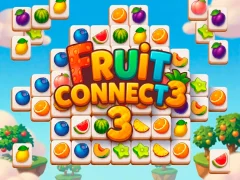

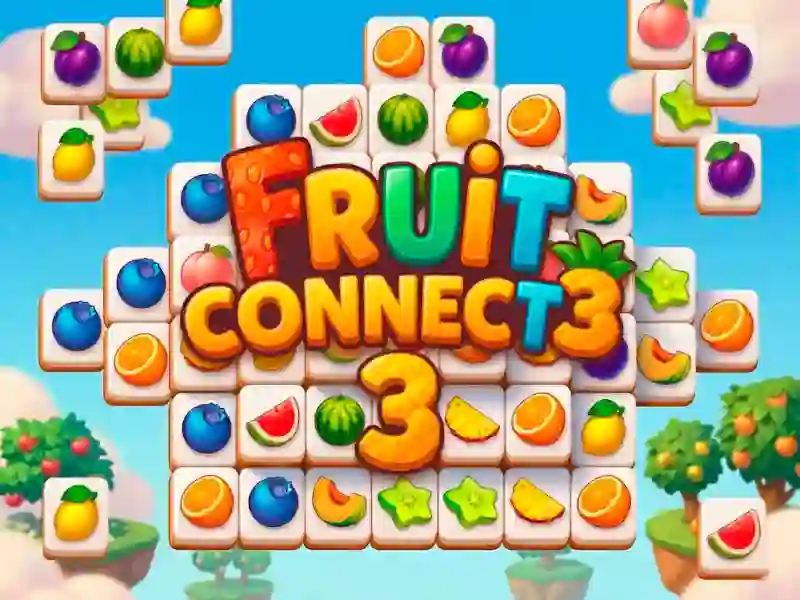
Fruit Connect 3 — mahjong connect on a tropical island
You remove pairs of identical fruit tiles from the playing field. You can connect only those two between which there is a free line with a maximum of two turns. The line does not go through other tiles: it goes around them along the empty space around the picture and along the cells that you have already vacated. Tiles that are close together always connect. The rule is the same as in Fruit Connect, but the third part added interference, instruments and a timer to it.
The set of pictures here is only fruit — apples, kiwi, lemons, mango, papaya, pomegranate, dragon fruit, watermelon and others. In the second part, Fruit Connect 2, next to the fruits there were also flowers.
The drawing moves out after each pair
If you remove a pair, the remaining tiles move up, down, to the side, or in several directions at once. Because of this, it is useless to remember the location: after your move, the picture is different, and a convenient pair can go to different corners. But it frees up space through which the line passes more easily.
Seashells and palm leaves
On some levels, the path of the line is blocked by shells — you can bypass them, but you have to look for a pair again. The numbered palm leaf tiles work in reverse: when you remove them, new fruits are added to the playing field. If, despite this, you make pairs in a row, additional points are awarded for the series.
Guide:
- Start with obvious pairs — adjacent or on the same side of the picture.
- Before pressing, check the line: no more than two 90-degree turns.
- Make pairs in a row without pauses — you get bonus points for the series.
- Connect two identical caterpillars when the field gets confused: they take off another pair fruit.
- Hold the snowflake button for a difficult moment — it stops the timer.