
Mobile Games
Games: 613 latest added October 15, 2026
Games you can play with just your finger: tap, swipe, or drag-and-drop, no keyboard needed. Mahjong and solitaire fit a portrait screen for one-handed play, while racing games and .io arenas are usually landscape. Everything runs right in your phone browser.
 Smarty Bubbles
 Butterfly Kyodai
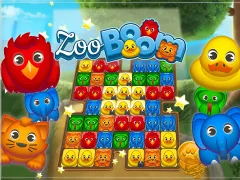 Zoo Boom
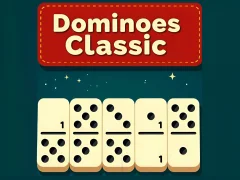 Dominoes Classic
 Backgammon Classic
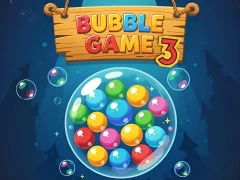 Bubble Game 3
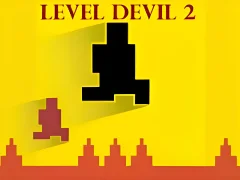 Level Devil 2
 Stickman Hook
 Cubes 2048.io
 slither.io
 Kris-mas Mahjong
 Temple Run 2
 Level Devil
 LOLBeans.io
 Kitchen Mahjong Classic
 Chess Classic
 Om Nom Run
 Eleven Eleven
 Candy Riddles: Free Match 3
 Mahjong Connect Classic
 Block Blast
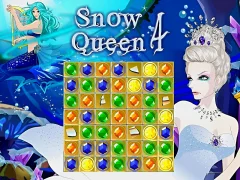 Snow Queen 4
 Snow Rider 3D
 Gulper.io
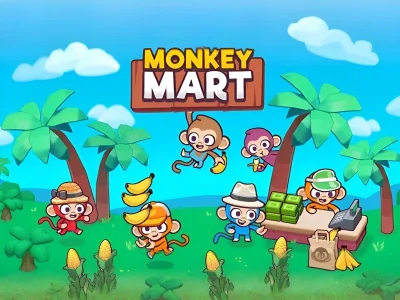 Monkey Mart
 Dream Pet Link
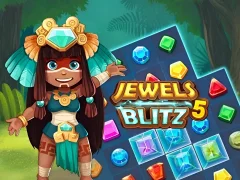 Jewels Blitz 5
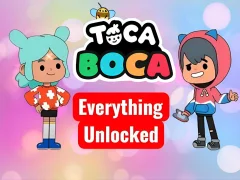 Toca Boca Everything Unlocked
 Back To Candyland sweet river
 Drive Mad
 Uboat Attack
 Smash Karts
 Moto X3M
 Spider Solitaire Classic
 Bubble Woods
 Totemia: Cursed Marbles
 Candy bubbles
 Jewels Blitz 4
 Lines 98
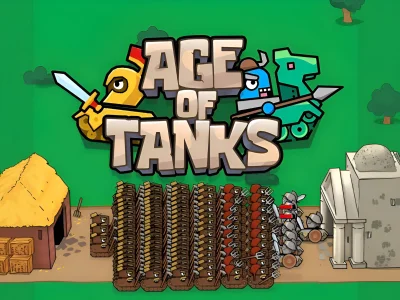 Age of Tanks Warriors: TD War
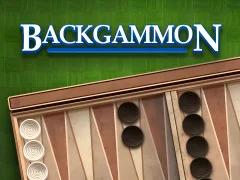 Backgammon
 Dominoes
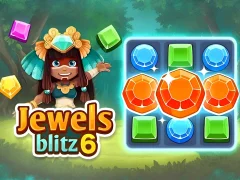 Jewels Blitz 6
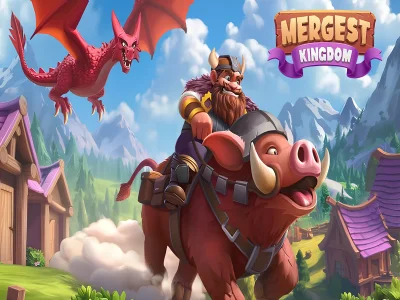 The Mergest Kingdom
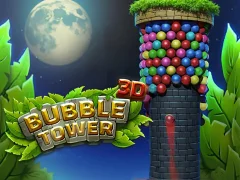 Bubble Tower 3D
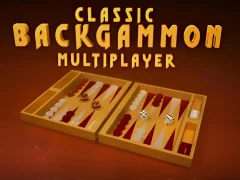 Classic Backgammon Multiplayer
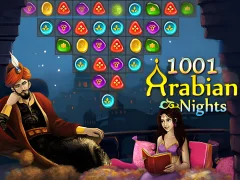 1001 Arabian Nights
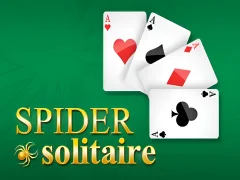 Spider Solitaire
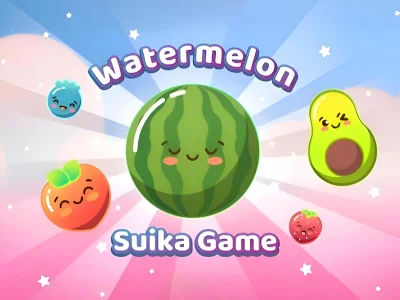 Watermelon Suika Game
 Kings and Queens Solitaire Tripeaks
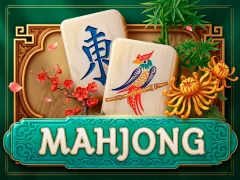 Mahjong
 Minefun.io
 Tiles of the unexpected
 Time Gap
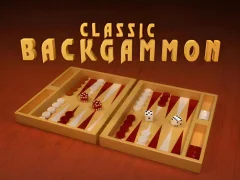 Classic Backgammon
 Train Miner
 Garden Tales 3
 Garden Tales 4
 Snow Queen 5
 Bubble Spirit
 Extreme Space Rush
 Funny Gummy Characters
 Category Match Puzzle
 Boo Brew
 Block land Oneblock Skyblock
 Wall Rush 3D
 Mega Noob Sky Obby: 50 Stages
 Pitbike Obby
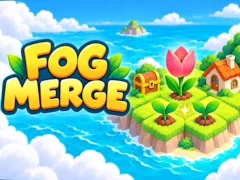 Fog Merge
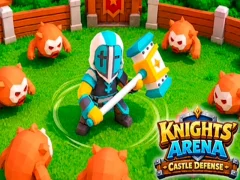 Knight's Arena Castle Defense
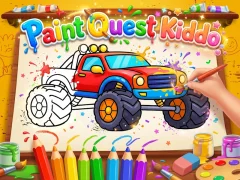 Paint Quest Kiddo
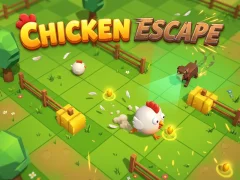 Chicken Escape
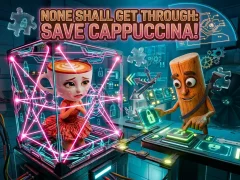 None Shall Get Through: Save Cappuccina!
 Double Boy Jump
 Muscle Rush 3D
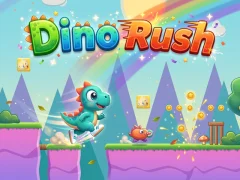 Dino Rush
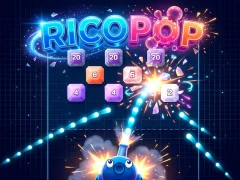 RICOPOP
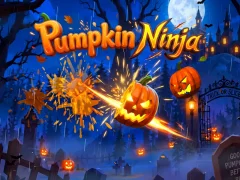 Pumpkin Ninja
 2244 King
 What famous cat are you
See all New games
What famous cat are you
See all New games
Games Mobile
Games in this section don’t need a keyboard. Everything here is controlled with taps, swipes, or drag-and-drop, so they’re just as easy to play on a phone as on a tablet. The genres are all over the place too: mahjong and backgammon, bubbles and match 3, runners, racing games, and multiplayer .io arenas. There’s nothing to download: the game opens from a link like a regular web page and doesn’t take up any space on your phone.
How to control games with your finger
There are basically three control schemes on mobile. The first is a single tap: hold your finger down and the character holds on or flies; let go and it jumps or falls. These games are collected separately in the One Button section. The second is swipe controls: moving your finger left, right, or up changes lanes or sends you over an obstacle. The third is drag-and-drop: you guide a piece, ball, or tile to the right spot with your finger. In .io arenas, there’s also a virtual joystick in the corner of the screen: your finger moves the character just like a thumbstick on a gamepad. This group includes Temple Run 2.
Portrait or landscape
Moto X3M is a landscape game. Racing games, runners, and .io arenas usually play this way, so you’ll often need to turn your phone. Puzzles, solitaire, mahjong, and bubble games are usually designed for portrait mode — easy to hold with one hand, like when you’re on the go. If the picture doesn’t rotate with your phone, it’s usually because screen rotation is locked in your device settings, not because of the game.
Where your progress is saved
A browser game saves your levels and scores in the browser itself. That means in incognito mode, your progress disappears when you close the tab, and in another browser or after clearing site data, the game starts over from scratch. If it’s a game you want to come back to, you can add it to your home screen from the browser menu — tap “Add to Home screen.” The icon will open it just like a regular app, with no installation needed.
FAQ — Frequently Asked Questions
What are the best Mobile games to play right now?
Sorted by the ratings players gave them — these Mobile games scored the highest. All free, nothing to install:
- Smarty Bubbles — 8/10 (321)
- Butterfly Kyodai — 7.8/10 (303)
- Zoo Boom — 7.6/10 (251)
- Dominoes Classic — 8.2/10 (274)
- Backgammon Classic — 7.6/10 (353)
What are the newest Mobile games?
The Mobile games added to the site most recently, freshest first:
- Extreme Space Rush — October 15, 2026
- Funny Gummy Characters — October 15, 2026
- Category Match Puzzle — October 15, 2026
- Boo Brew — October 15, 2026
- Block land Oneblock Skyblock — October 15, 2026
Which Mobile games are most popular right now?
The Mobile games opened most often on SGameS right now. Free to play, straight in the browser: