

Mine - Survival Creative: survival, crafting and free construction
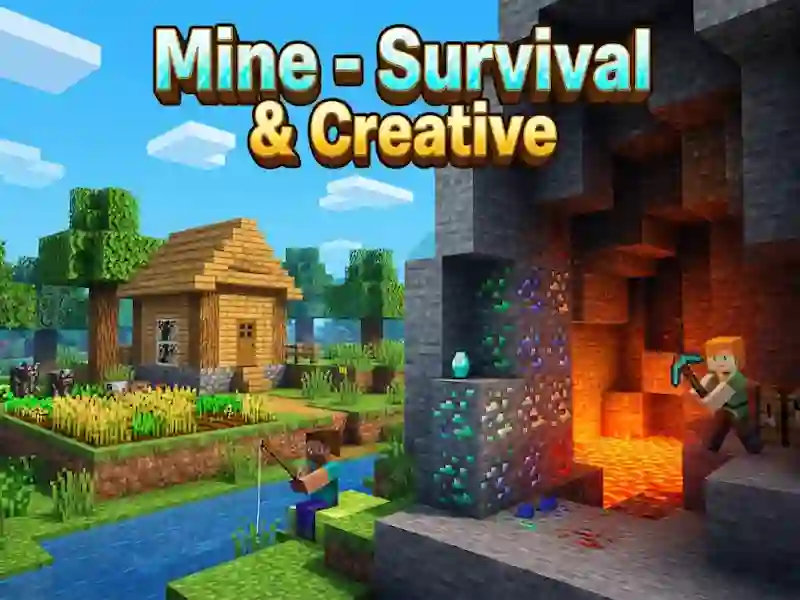
In Mine - Survival Creative you mine wood and stone, craft tools and build a shelter until nightfall. This is a game of skills, where resources are important in Survival mode, and in Creative mode you fly and place blocks without restrictions. Here, resource extraction continues until the first night, and the world is saved automatically.
How to survive until the first night
- Collect wood and stone.
- Make a workbench, tools and torches.
- Build a shelter before nightfall.
What changes in creative mode
In creative mode, you turn on flight and build without time pressure. Flight helps to quickly raise walls, bridges and floors at any height, and construction proceeds without haste. Free construction and flying here are familiar from Minecraft classic.
Maps, skins and mini-game
The game has 20 adventure and parkour maps, and each one leads to the finish line. These include giant biome spiral parkour, sky parkour, sky block world, magic school, big city, amusement park and village. You also get more than 60 skins, a skin editor, pixel paint, a bow, trolleys, a minimap, a third-person view and shaders with real-time shadows.