


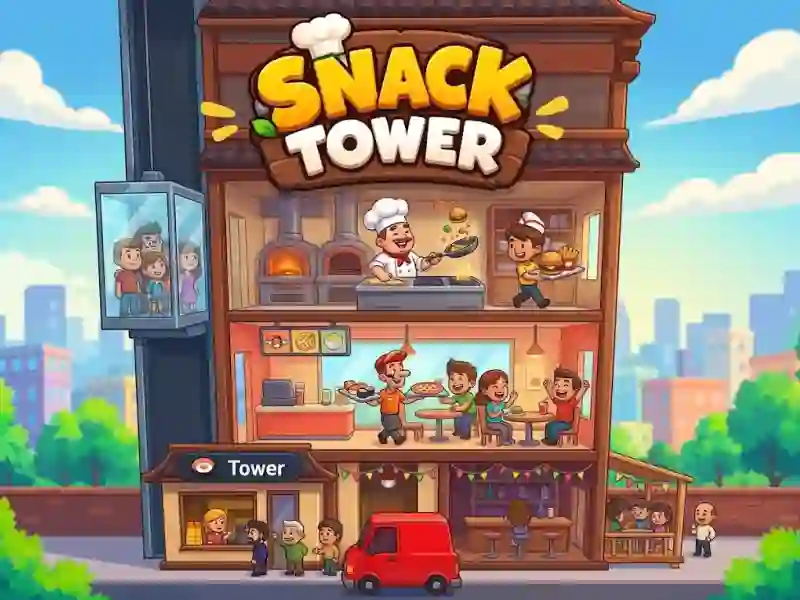
Snack Tower: a tower with floors and staff
In Snack Tower, you build a tower, manage chefs and staff, and serve customers across multiple floors. The strategy here is based on tower upgrades and business growth: each new floor changes how the shift works.
Where to start controlling the tower
- Open the tower and see where people are missing.
- Hire chefs and staff so that the floors are not idle.
- Serve your customers and immediately spend your income on useful upgrades.
- Expand the tower when the current floors are already generating stable income.
How floors and profits grow
You develop several restaurant floors at once. Income from customers goes into new improvements to the tower and helps expand the business. You invest your profits in new floors and improvements - familiar from Panda Kitchen Idle Tycoon; here, every upgrade changes the workload on the staff. The more floors, the more orders need to be kept in rhythm.
What to keep under control during your shift
In the game you need to monitor money, reputation, ingredients and customer demand. Through buttons you change prices, manage ingredients, hire new people and choose rewards. These actions help keep floors operating and not lose profits.