

The Butler Didn't Do It: logic based on testimony and crime map
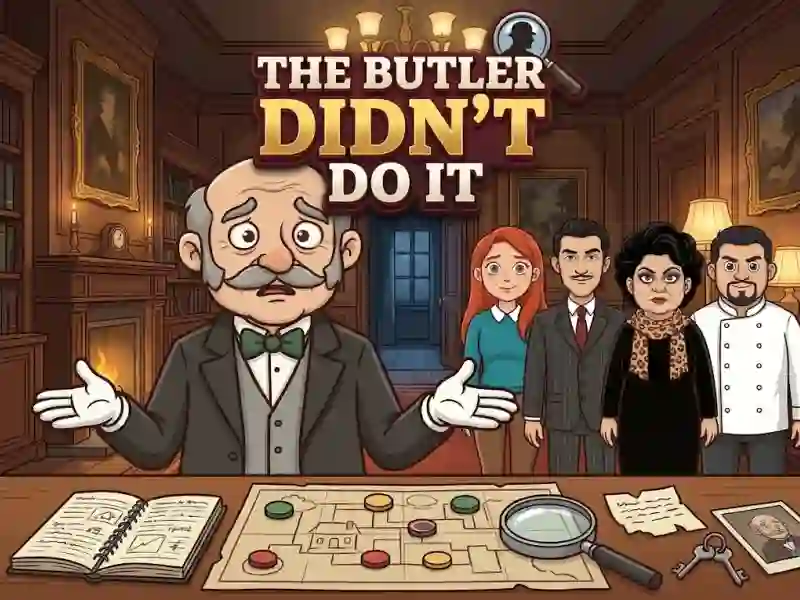
In The Butler Didn't Do It, you read testimonies and place suspects on a map of the crime scene. This is a logic game where each row and each column only holds one person. Each party has one solution, and it is found only by logic.
How to identify the first suspect
First, open the case and read each statement. Then choose a person and mark the square where he stood. If the option is already occupied, tap on the placed piece to remove it and free up space. Notes and crosses help you avoid having to keep all the options in your head.
How does the victim zone work?
Neighborhood is only considered above, below, left and right within the same zone. A wall breaks up the area, and boxes, plants, rocks and trees cover the cage. When the card is full, the killer is in the victim's area. Taking apart clues and marking cells one at a time is familiar from Hidden Object: Clues and Mysteries.
How much to do in The Butler Didn't Do It
The game has 300 cases in two seasons, and they take place in 13 locations. Boards vary from 6x6 to 10x10, and the difficulty is divided into three levels. This changes the volume of the seating arrangement, but the rule about one figure per row and column remains the same.