

+1 Wings Keyboard Speed: running on the keys and trophy pads
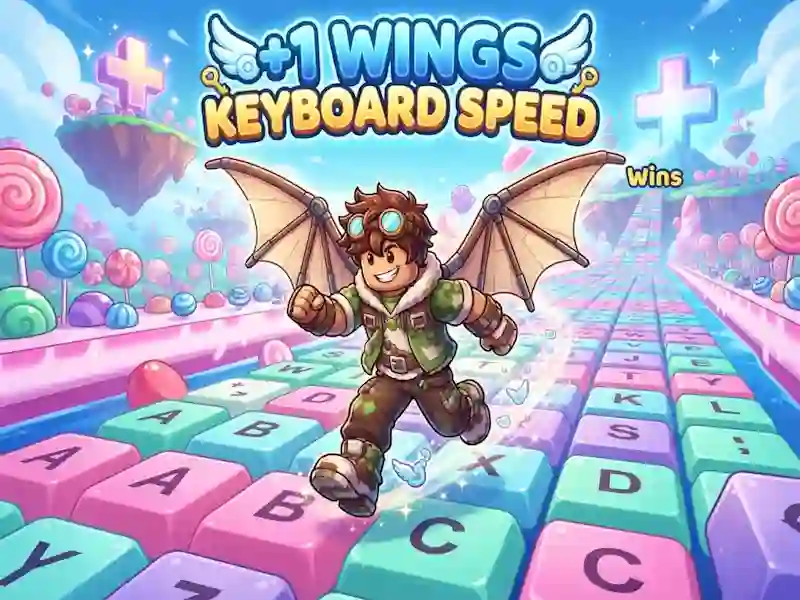
In +1 Wings Keyboard Speed, you run along a giant keyboard track and increase your speed with every step. This is one of the skill games where it is important to keep up the momentum.
How to start overclocking on a key track
- Move on WASD and move the camera with the mouse.
- Collect speed on the keys without pauses.
- Press Space to jump and swing again.
- Hold Space to glide further and get to the trophy area.
Why do distant sites over water pay more?
Areas further above the water provide more trophies. Each key increases your speed, so a short route and a long flight change the result. You choose between a safe landing and a long dash through the water. The exact landing location decides how many trophies you will take home in the end.
Shops, wings and rebirth
In stores you buy wings, auras and traces. Then you can do a rebirth and go out on the track again. There you compete with other players online. Online racing with other players - familiar from Run Guys: Knockout Royale.