

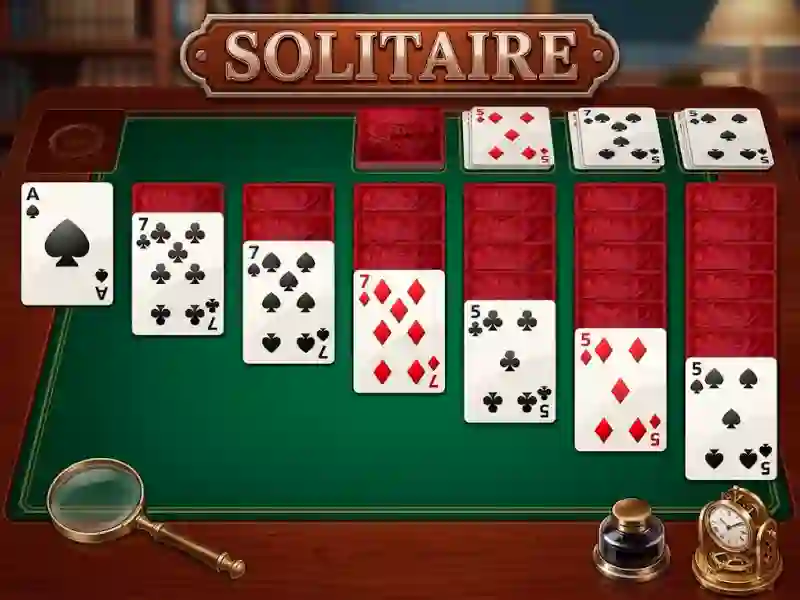
Solitaire’s extra-card Klondike board and Ace-to-King stacks
In Solitaire, you build the four foundation piles from Ace to King by dragging cards between tableau columns and the stock pile. The extra-card setup gives you more visible ranks to work with, so each turn is about reading the layout before you move a single card. It plays right in your browser with no signup, and the mouse controls keep flips, drags, and drops quick on a desktop screen. Because the draw pile stays part of every decision, you are always choosing between a safe placement and a move that opens the next layer.
If you enjoy logic games, the challenge comes from opening the right column at the right time. A low card can expose a buried run, while a bad move can trap the suit you need for the next foundation step. When two placements are possible, the better one is often the move that reveals another face-up card or frees space for a long sequence. The waste pile matters just as much as the tableau, because one face-up card can unlock a chain of placements or force you to wait for a better draw.
The closest match is Klondike Solitaire, since both revolve around stock-pile decisions and ordered foundations. You can also compare it with Daily Solitaire, which uses the same careful draw-and-clear rhythm in a fresh layout. If you want a card puzzle that starts instantly and needs no download, this version is easy to learn but still asks you to plan several moves ahead. Start playing when you want a quick break, then see how far your stacking sequence can go.