

Solitaire collection: klondike, spider & freecell keeps three classic modes on one table
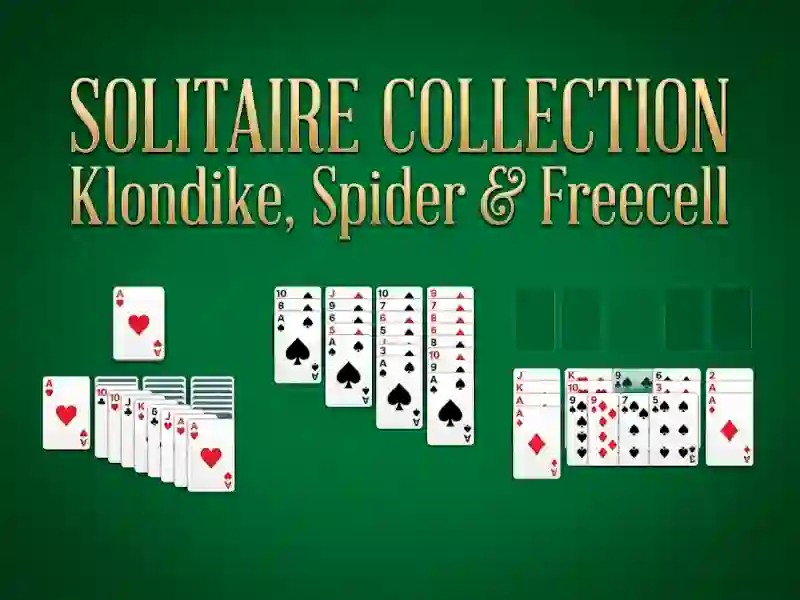
Three classic solitaire modes sit on one table in Solitaire collection: klondike, spider & freecell, with Klondike’s 1-card or 3-card deal, Spider’s column stacking, and Freecell’s open cells for planning ahead. The set keeps the classic Microsoft Solitaire feel while giving you one place to switch between the three decks and test different approaches.
Click and drag cards to move them, then hit New game when you want a fresh deal. Unlimited undo and hints are built in, and settings let you toggle sound, turn autoplay on or off, and choose between drawing 1 card or 3 cards in Klondike. The drag-and-drop controls make every move clear, and the hint button helps when a column or foundation stalls.
This browser card set fits neatly in logic games when you want a no download break that runs in your browser. It is free online and no signup is needed, so you can start a round on mobile or desktop without extra setup or extra installs.
Klondike draw settings, Spider columns, and Freecell planning
Fans of column stacking can compare it with Spider Solitaire, which uses the same suit-building pressure across long tableau columns. For draw-and-clear pacing, Klondike Solitaire keeps the familiar foundation chase, and Amazing Klondike Solitaire is a close match because it focuses on the same card-by-card build.
That mix makes the collection easy to revisit when you want a different pace without leaving the page. You can work a stubborn Spider layout, swap to Freecell for more open planning, or jump back to Klondike and test the 1-card draw again. Freecell gives you more room to test moves before you commit, which helps when a board needs careful sequencing.