

Original Classic Solitaire and the Klondike tableau build
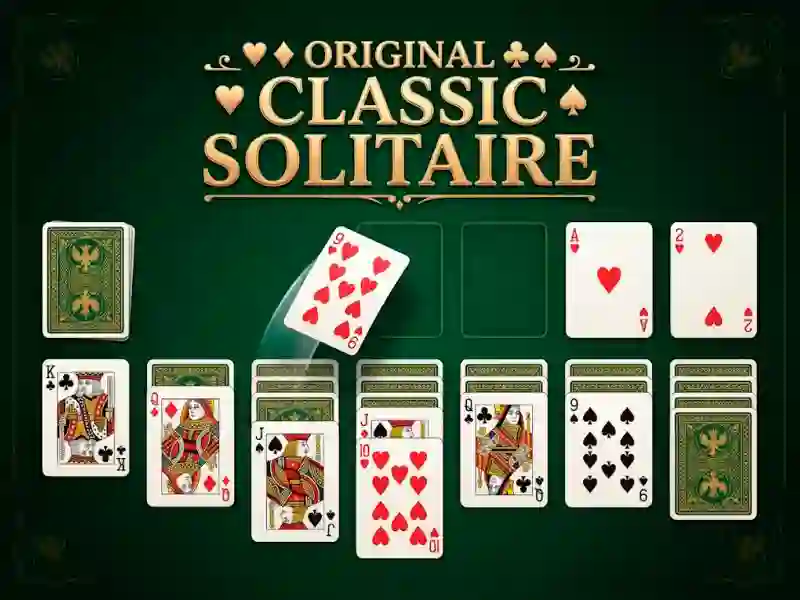
Original Classic Solitaire keeps the Klondike-style stack building you know: move cards across the tableau, flip hidden columns, and build each foundation from ace to king. The Click & Draw helper can send a card to the right place with a tap, so you spend less time dragging and more time reading the board. It fits neatly in logic games when you want a card puzzle with clear rules.
Draw one or three, then use hint and undo
The game lets you choose whether the deck draws one card or three, which changes how fast you clear the waste pile and how much you need to plan ahead. If a move is not obvious, the HINT button points to the next legal play, and unlimited UNDO lets you test a sequence without losing progress. A timed run can add points when you win, while autosave keeps an unfinished layout ready for later. That same foundation-building rhythm is why Solitaire Classic Klondike feels close.
- Autosave keeps an incomplete run ready for later.
- Timer support can add points when you win.
- Language selection makes the menus easier to read.
- Left-hand or right-hand mode adapts the layout to your grip.
Mobile layouts, card backs, and background choices
You can switch between multiple backgrounds and card face styles, so the table can look as plain or as decorative as you want. The layout also supports left-hand or right-hand play, and the language options make the menus easier to read on smaller screens. The browser version runs on phone or desktop with no download or signup, and the one-tap flow makes short sessions easy to start. For another familiar take, Solitaire Classic stays close to the same draw-and-build rhythm, while Spider Solitaire challenges you with longer columns and tighter planning. If you want the broader genre label, solitaire is the search term that matches this style.