


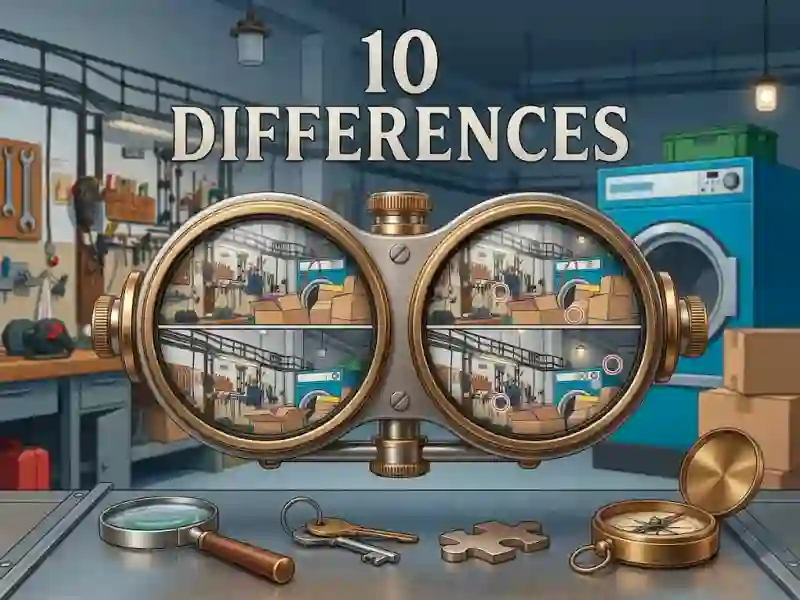
10 Differences and the rotating picture window
10 Differences asks you to spot ten mismatches between two versions of the same picture, then use the small viewing window to rotate and inspect the scene from a different angle. It keeps the action in-browser, and the themed image sets make each round feel like a fresh visual scan instead of the same board again.
This belongs in the for children category because the rules are direct: look closely, tap the difference, and keep going until all 10 are marked. You can place a mark on either image, which makes the comparison process faster when a detail sits near an edge or a corner.
Themed scenes, quick taps, and careful observation
The game is built around spot the difference play, so the main skill is noticing small shifts in colour, shape, or object placement. That works well with the unusual interface, because the rotating view helps you check harder-to-read parts without changing the core rule.
Because each puzzle uses a fixed 10-difference target, you can track progress at a glance and decide whether to keep scanning or move to a different theme. The clear compare-and-mark flow makes it easy to focus on borders, props, and tiny edits in crowded artwork.
If you want more compare-and-mark puzzles, Rachel Holmes: Find Differences uses the same close inspection across different scenes. Find 500 Differences is a natural match too, since it pushes the same mechanic through a much larger set of image pairs.
FindTheDifferent also fits, with the same careful search for tiny changes, while this game’s themed boards keep the variety easy to browse. It plays on mobile and desktop, with no download or signup, so you can start a round right away in your browser.