

Color by Numbers: paint numbered pixel blocks with the mouse
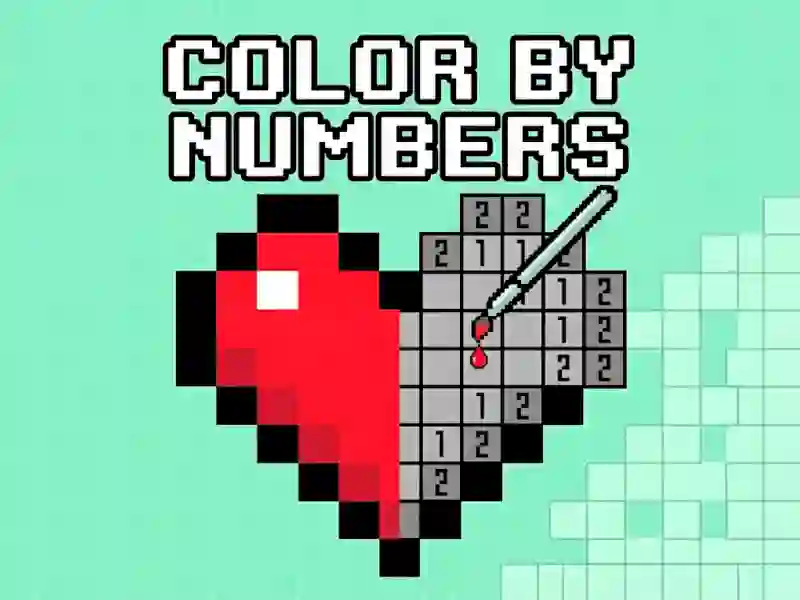
In Color by Numbers, you pick a picture and match each numbered square to the color on the bottom palette. The canvas starts as a tight pixel grid, so every click or tap on a block brings the image closer to a clean mosaic finish. It fits the For children category naturally, because the rules are instant and the mouse-only control scheme keeps the whole process easy to read.
The zoom control in the lower-right corner is the main helper when a picture gets dense. Enlarge the board to catch small clusters, then zoom back out to check how the full image is coming together. A magic wand tool is there too, and it makes larger same-number areas faster to clear when you do not want to paint each tile one by one.
Palette choices, zooming, and faster fills
This also lines up well with Coloring and Pixel Art, since the finished result is a blocky illustration built from tiny colored cells. The Numbers tag fits as well, because every move depends on matching the right digit to the right shade instead of guessing.
There are plenty of images to choose from, so you can switch between scenes instead of repeating the same board. If you want a close mechanical match, try Pixel Art - Color by Numbers for the same paint-by-number setup, or Color Pixel Art Classic for another grid-based coloring challenge. You can start right in your browser with no download and no signup, which makes it easy to jump back in for a few more tiles whenever you like.