

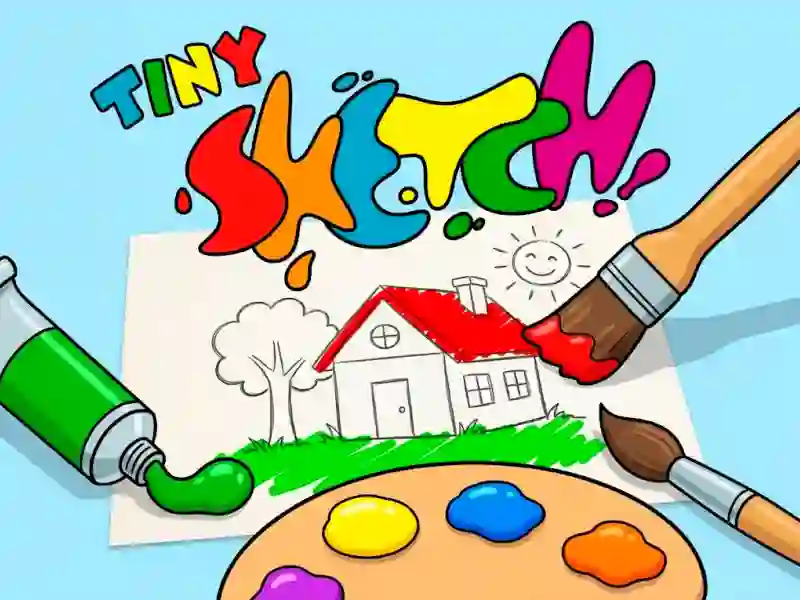
Tiny Sketch and the tap-to-fill coloring book
Tiny Sketch puts a book-style gallery in front of you: choose a picture from the list, open the side paint panel, then tap a color and fill the outlined regions one by one. The hook is the guided coloring layout, where each section already waits for the right shade instead of asking you to draw freehand, and the palette sits right beside the page for quick switching.
Some pages use small details, others use larger blocks, but the job stays the same: match the marked space, apply the color, and move on until the whole image looks finished. That makes each illustration easy to read at a glance, whether you are filling a tiny corner or a broad shape with a bright tone.
It runs in your browser with no download or signup, so you can start right away on mobile or desktop. If you want a simple pick-up-and-play option for younger players, it also fits neatly into children’s games.
Coloring-game comparisons that match Tiny Sketch
If you enjoy Pixel Coloring, you will recognize the same area-filling rhythm, but Tiny Sketch leans into a classic coloring-book look instead of a strict pixel grid. Color by Numbers shares the same guided flow, where the only decision is which shade belongs in each marked section before the picture is complete. Magic Coloring Book for Little Artists is another close match because it keeps the step-by-step page completion approach and a kid-friendly art-book feel.
If you want a low-pressure art activity that still gives you a clear goal on every picture, Tiny Sketch works well for short breaks, basic color practice, and simple visual focus. You can open it in the browser, pick a page, and finish the remaining spaces until the last white patch disappears. For players browsing coloring games, it offers a straightforward way to fill, complete, and move on to the next picture.