
Color Pixel Art Classic — free online game
Color Pixel Art Classic
8.9 / 10
Loading...
Color Pixel Art Classic — free online game
Color Pixel Art Classic
Don't like this game?
Tell us why
Continue on your phone
Scan the QR code to open this game on your mobile device
How to play
Color Pixel Art Classic — free online game

Color Pixel Art Classic

Rating
8.9 (190 votes)
Technology
HTML5
Platform
Browser (desktop, mobile, tablet)
Screen Orientation
Portrait
Release
April 2018
Last Update
August 2026
Name
Color Pixel Art Classic
Category
For Children

Color Pixel Art Classic — coloring pictures by numbers

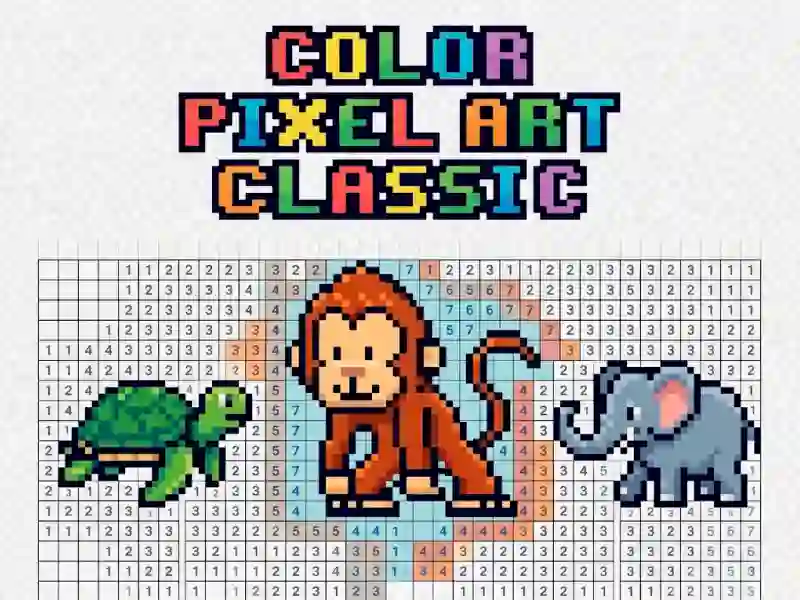
You select a picture from the catalog and paint it pixel by pixel. Each cell has a number on it — it shows which paint from the palette to paint it with. Unpainted pixels remain gray, so progress is immediately visible.

The pictures are divided into themes: animals, flowers, cars, food and fantastic creatures. You can choose a simple design with a couple of colors or a complex one with dozens of shades.

To paint one pixel, click on it after choosing a color. If you hold down your finger or mouse button, a pencil icon will appear on the screen — now you can drag across the picture and paint several cells of the same color at once. The image can be zoomed in to more accurately target small pixels.

The game is suitable for those who want to relax without a timer or opponents: there are no levels of difficulty and no loss. This is one of the calm ones coloring pages for phones and tablets — control is made under your finger. A similar idea for painting cells is Pixel Coloring If you like connecting colors and numbers in a different way, try it Numicolor.

Hyde

  1. Choose a picture from the catalog.
  2. Click on it to zoom in on the pixels.
  3. Choose a color from the palette.
  4. Color in all the cells with this number.
  5. Hold your finger or mouse button and drag across the picture to paint several cells at once.


Platform

Browser Desktop , Mobile and Tablet

Release

10 april 2018

Last Update

19 august 2026

How to play

PC:

  • Click — paint pixel
  • Pinch and swipe to paint several squares
  • Mouse wheel — zoom in

Smartphones:

  • Touch — paint a pixel
  • Pinch and swipe to paint several squares
  • Pinch — zoom in on the picture

FAQ — Frequently Asked Questions

How to paint several pixels of the same color at once?

Press your finger or mouse button on a pixel of the desired color — a pencil icon will appear. Without letting go, swipe across the screen through adjacent cells of the same number, and they will be colored at once.

Is it possible to zoom in on the image to more accurately target small pixels?

Yes, the image can be scaled. On a smartphone and tablet — pinch with two fingers, on a computer — with the mouse wheel or the zoom buttons next to the picture.

Do I need to download the game to play on my phone?

No, the game works directly in the browser on your computer, smartphone and tablet. No installation is needed — the image and palette open immediately on the page.