

Ski Jump’s K50-to-K250 take-offs and balance landings
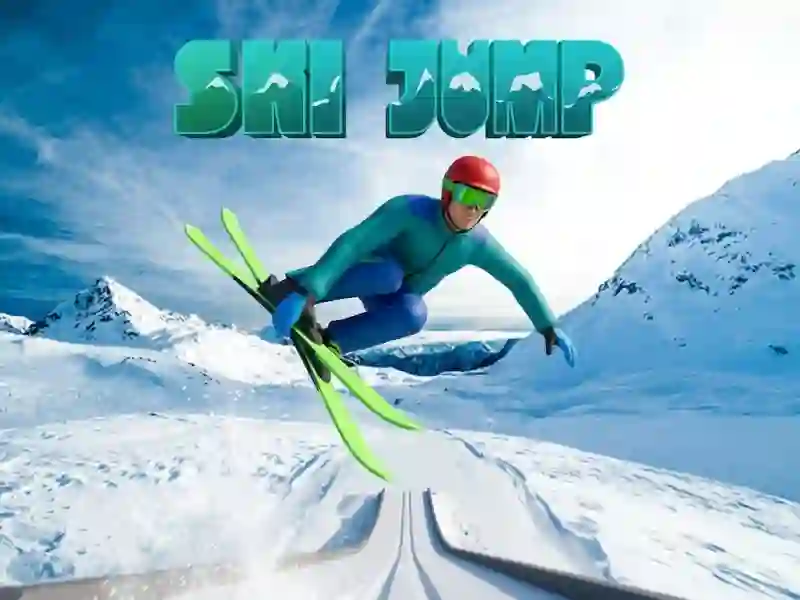
In Ski Jump, the take-off window matters: click the right mouse button, keep the skier centred in the air, and stick the landing before the skis tilt too far. The game gives you 55 ski jumps from K50 to K250, so each hill asks for a different launch angle and recovery.
This browser sport game runs free online with no download, so you can focus on timing instead of setup. The snowy skiing theme and steep run-ins make the mouse controls feel specific to ski jumping rather than a generic stunt challenge.
Right mouse clicks, mid-air adjustments, and scored landings
Each run has three clear beats: start, flight, and landing. Use the right mouse button to launch, move the mouse up or down to hold the skier in the best position, then click again to finish the landing, or press both buttons together if that is easier for you.
- Start: right mouse button
- Flight: mouse up or down
- Landing: right mouse button or both buttons at once
The 3D view makes the slope and jump arc easy to read, while the winter setting keeps every hill clean and bright. A smaller K50 jump leaves little room for a sloppy take-off, and a bigger K250 hill gives you more speed to manage before the final click.
Because the controls stay the same on every hill, the challenge comes from reading the launch point and keeping your balance steady through the air. That makes the game easy to learn in one minute, but each longer jump still asks for tighter mouse control and a cleaner landing.
For a close mechanical match, Holmenkollen: Ski Jump 2 shares the same balance-first flow, and Ski Jump Challenge is another strong pick because it also revolves around clean launches and controlled landings.
You can revisit the same hills without a download or signup, which makes it easy to test a safer take-off line, adjust the mouse a little higher in flight, and chase a better score on the next attempt.