

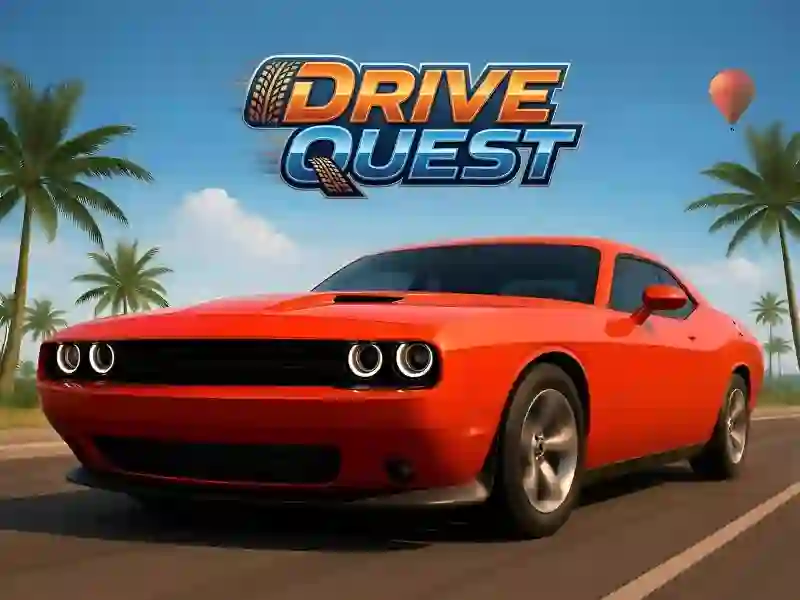
Drive Quest — open-world arcade driving
Drive Quest is an open racing world with cars and free driving, with no fixed track forcing you where to go. You get behind the wheel of one of 35 cars and cruise between two cities, highways, tunnels, and ports, deciding for yourself where to head next. You’ll find a similar sense of freedom on the open map in Mega Lamba Ramp. Drive Quest runs on PC, smartphones, and tablets right in your browser.
Drifting, stunts, and highways
There’s no strict story here — just an open map and five modes to choose from: drift, time checkpoints, ramp stunts, radar speed challenges, and object destruction. Each mode is built around handbrake control and route choice, and the road surface changes how the car behaves: asphalt holds better through corners, while dirt is easier to kick into a slide. The genre is all about arcade feel, not sim-level precision. A similar set of time-based challenges is in Survival Race. The first runs feel easy, but the car’s weight really only sinks in after a couple of laps around the highway.
Score points on the track
Your goal depends on the mode you pick. In drift mode, you need to hold a slide through a chain of turns and rack up style points. In checkpoints, you have to make it through a line of markers before time runs out. In stunt mode, you speed off a ramp and chase jump height, and in radar mode, you keep to a set speed over a stretch of road.
Garage and upgrades
Progress in Drive Quest is built around the garage, not levels. For races and stunts you earn money and points, which you can use to unlock new cars and change their look — body color, rims, tires, tint, and body kits. The final story mission is only available with a VIP subscription, while all other content and every mode are free and unlocked from the start.
Who the road is for
Drive Quest is a great fit if you like driving with no hard rules — from complete beginners behind the wheel to players experienced with drifting and stunts. A session can last from 10 minutes of relaxed highway cruising to long runs across the whole map. You’ll find a similar stunt rush in MR RACER: Stunt Mania.
Master the handbrake and camera
Start in the garage: pick a car and launch a free ride to get a feel for the controls. Check the keys — WASD or arrow keys for steering and acceleration, Space for the handbrake, C to change the camera. Learn the nearby area — highway, port, or tunnel — before jumping into the challenges. Then pick a mode based on your mood: drift, checkpoint, stunt, or radar. Three useful tips from players:
- Tap the handbrake briefly, not for too long — holding it down for too long spins the car instead of giving you a clean drift.
- Get comfortable with one car before switching to another — that way you’ll feel its weight and grip much faster.
- Before a fast highway stretch, switch the camera with C to a farther view — it makes the road ahead easier to read.
Jump into Drive Quest right now — free, no download, on PC, smartphones, and tablets, прямо in your browser!