
Baby Piano Children Song — free online game
Baby Piano Children Song
9.1 / 10
Loading...
Baby Piano Children Song — free online game
Baby Piano Children Song
Don't like this game?
Tell us why
Continue on your phone
Scan the QR code to open this game on your mobile device
How to play
Baby Piano Children Song — free online game

Baby Piano Children Song

Rating
9.1 (11 votes)
Technology
HTML5 (Cocos)
Platform
Browser (desktop, mobile, tablet)
Screen Orientation
Landscape
Release
November 2024
Last Update
August 2026
Name
Baby Piano Children Song
Category
For Children

Baby Piano Children Song — play a melody on the selected instrument

The task is to play a familiar song on the chosen instrument. The game lights up the necessary keys one by one, you press them and hear a live sound. There are five options in the game: piano, xylophone, flute, drums and guitar. You change the instrument at any time during the part, and the melody sounds in a new way.

Songs and awards

The game contains children's songs: lullabies and holiday melodies like Jingle Bells and Happy Birthday. In total, more than 36 melodies are available. For every song you complete you get stars. Stars discover new instruments and melodies, and you get some of the content through short advertisements.

A similar selection of tools and rewards is available at Zynpavo: Rhythm Piano.

Who is it suitable for?

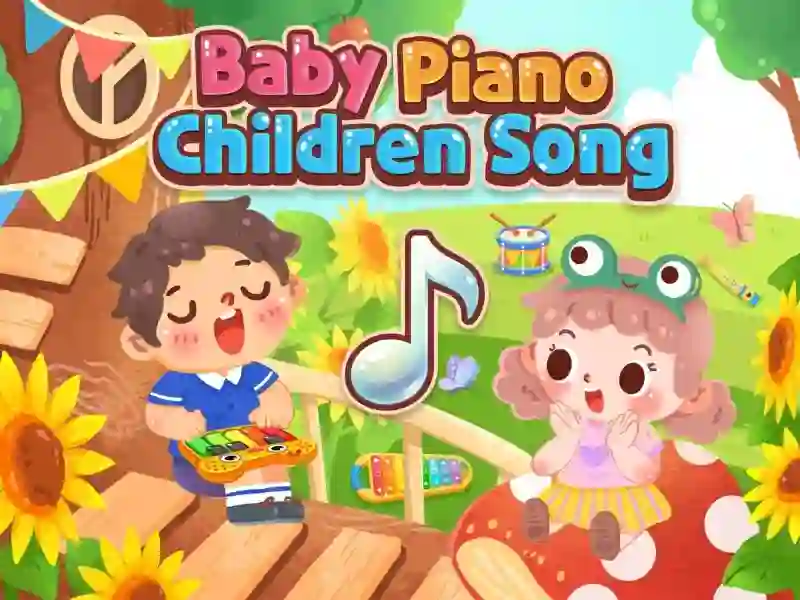
The controls are simple: large keys, no complicated combinations. The child understands it in one minute, without explanations or text prompts. The game is drawn in the style cute cartoon colors and suitable for the youngest players.

A similar calm rhythm can be found in Piano Kids Music Songs, if you want more melodies.

Platform

Browser Desktop , Mobile and Tablet

Release

16 november 2024

Last Update

17 august 2026

How to play

PC:

  • Click on a key — note
  • Click on the tool icon — change tool
  • Click on a song in the menu — select a melody

Smartphones:

  • Tap on a key — note
  • Tap on the tool icon — change tool
  • Tap on a song in the menu — select a melody

FAQ — Frequently Asked Questions

How to switch instrument?

Click on the tool icon in the menu and the selection will immediately change. Piano, xylophone, flute, drums and guitar are available. Each instrument has its own sound.

What are stars given for?

You get stars for every song you complete. Collected stars unlock new tunes, and you get some content for watching short advertisements. This gradually opens up access to all the tools.

How many songs are available in the game?

The game contains more than 36 children's melodies: lullabies, holiday songs and well-known hits like Jingle Bells and Happy Birthday. Some of them are unlocked with stars for completing levels.