
Piano Kids Music & Songs — free online game
Piano Kids Music & Songs
8.6 / 10
Loading...
Piano Kids Music & Songs — free online game
Piano Kids Music & Songs
Don't like this game?
Tell us why
Continue on your phone
Scan the QR code to open this game on your mobile device
How to play
Piano Kids Music & Songs — free online game

Piano Kids Music & Songs

Rating
8.6 (22 votes)
Technology
HTML5
Platform
Browser (desktop, mobile, tablet)
Screen Orientation
Landscape
Release
June 2022
Last Update
August 2026
Name
Piano Kids Music & Songs
Category
For Children

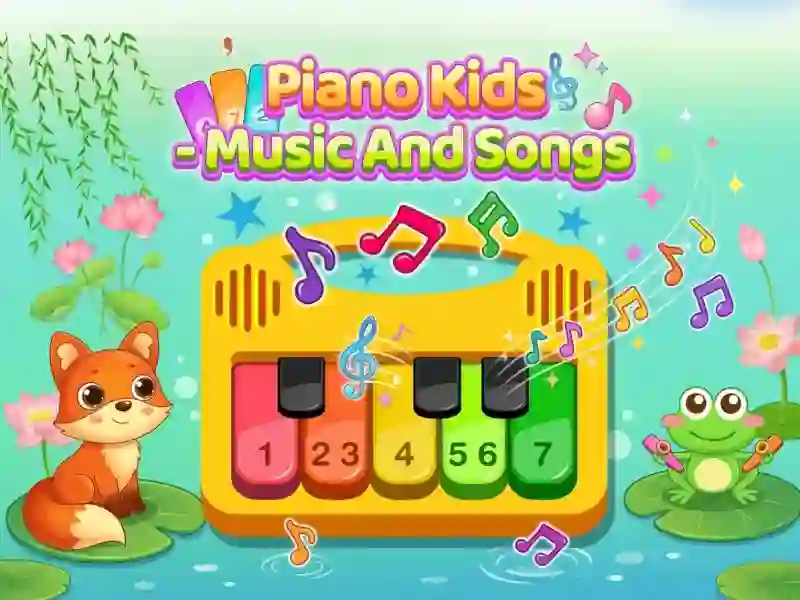
Piano Kids Music Songs — play melodies on virtual instruments

The task is to press the necessary keys and repeat the melody to the end. The screen highlights the next note, and you hit it with your finger or mouse click. Except piano, guitar, saxophone, flute, drums and xylophone are available — as many as seven instruments. In total, the game contains 30 familiar children's songs for learning.

Note by note

In Songs mode, the screen tells you which key to press next. You just follow the hint and gradually remember the melody. There are similar mechanics in Piano Kids, only there are fewer instruments and songs. After a couple of attempts, the melody comes out almost without errors.

For beginners and without notes

The complexity increases gradually: first simple melodies of two or three notes, then longer. There is no need to read the notes — the screen shows the key in color. So the game is suitable for those who are not at all familiar with musical tools.

An error does not interrupt the melody — you simply press the key again. Training is also arranged in Virtual Piano, where there is also no penalty for a miss. The child learns at his own pace, without haste or prompting from adults.

Platform

Browser Desktop , Mobile and Tablet

Release

24 june 2022

Last Update

17 august 2026

How to play

PC:

  • Mouse click on a key — press a note
  • Click on the tool icon — change tool
  • Click on the song name — select a melody

Smartphones:

  • Tap on a key — press a note
  • Tap on the tool icon — change tool
  • Tap on the song name — select a melody

FAQ — Frequently Asked Questions

How to switch instruments while playing?

Click on the icon of the desired tool at the top of the screen. Piano, guitar, saxophone, flute, drums and xylophone are available — a total of seven sound options. The melody is not reset, and you can continue playing on any of them.

How to enable next note hint?

Open the “Songs” mode and select a song from the list. The screen will highlight the key you need to press next. After several attempts, the melody comes out without any hints.

What happens if you press the wrong key?

Nothing bad happens — there are no lives or penalties in the game. Just press the desired key and continue the melody from the same place. Progress for errors is not reset.

Gameplay Video