

Backrooms Craft: Block mining and shelter in Backrooms
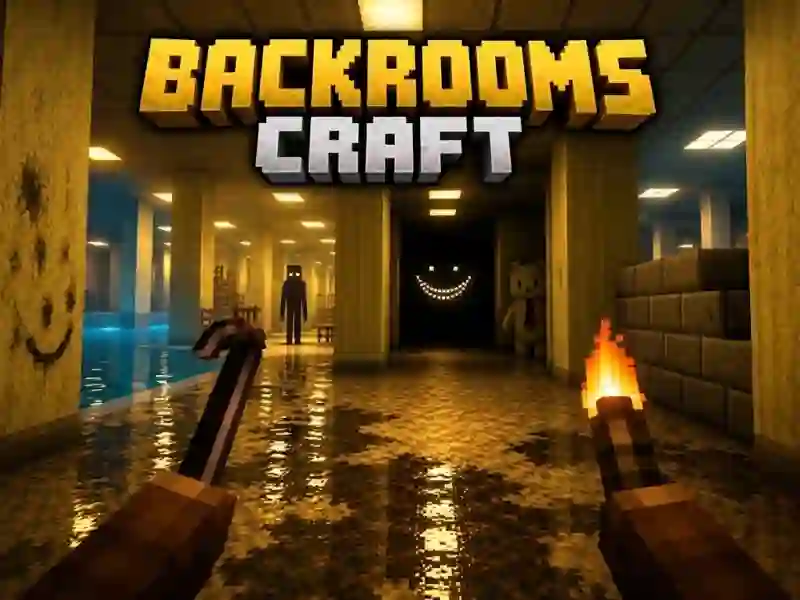
Backrooms Craft puts you in the endless yellow corridors of Backrooms, where you mine walls, floors and furniture block by block. This is an action-packed survival adventure where you need to build a shelter, light it with torches, and defend against those who live between the locations.
Where to start at the starting point
First, start mining resources near the starting point and collect the first blocks. Then close the passages and move on to building a simple shelter. Torches and weapons are needed immediately, because without light and protection you won’t be able to hold out for long.
What awaits behind the corridors
In addition to the yellow corridors, there are flooded rooms with swimming pools, humming server rooms, offices and warehouses. Creatures come across between them: some only look, others follow. Health, hunger and flashlight batteries are used up, so it’s dangerous to walk further without a reserve.
What remains after construction?
Only what you built inside the starting zone is saved, and the same manual collection of blocks is in Worldcraft 2. Things outside are not part of constant progress, so it is better to collect the base immediately where you can quickly return. It’s also more convenient to keep torches, weapons, and a supply of mined blocks nearby.