

Camo Hunt: Finding Splotch in Rooms and Gardens
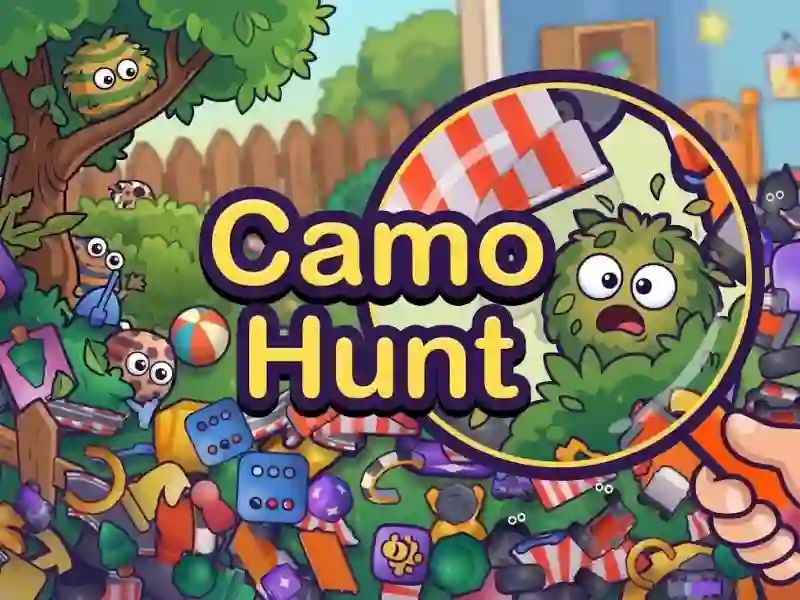
In Camo Hunt you search for all the Splotch in cluttered rooms and gardens until the timer runs out. This is a logic puzzle where small eyes reveal those who have blended into the background. The faster you read a scene, the less chance you have of wasting time on empty taps.
How to start searching in Camo Hunt
Move the stage first to check corners and tight spots. Then zoom in and look for eye movement: the targets blink from time to time. Inspecting the scene by clicking on the target is arranged here, as in Garden Secrets Hidden Objects.
How many levels and modes are there in Camo Hunt?
The game has five worlds, each with 20 levels. The Halloween event, daily hunt and endless mode are available separately. You can also open 40 skins and share the code so that a friend can find your game.
What to do when the target is hidden too well
An erroneous tap takes several seconds, so it’s better to check your eyes first. For difficult scenes there is a magnifying glass, eye ping and freeze, and on the keyboard they are activated by keys 1, 2 and 3. P pauses the game if you need to stop before the next attempt.