

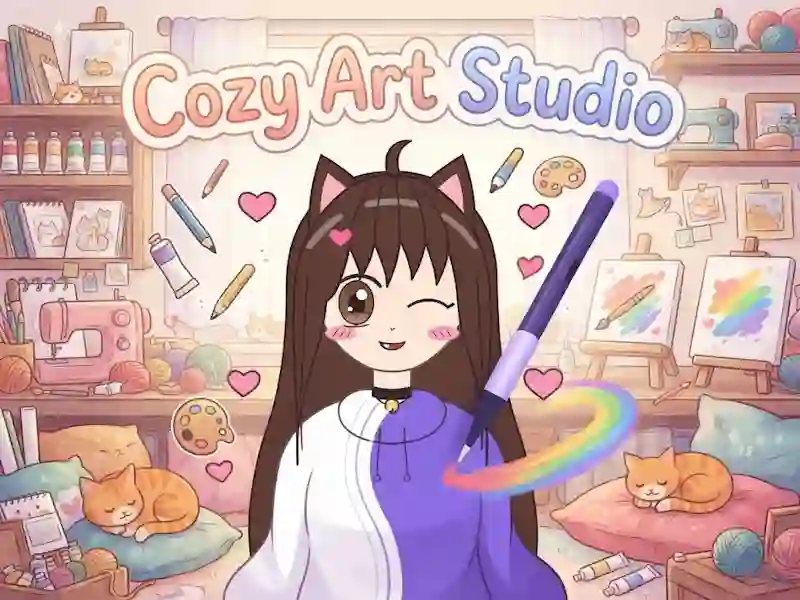
Art studio Cozy Art Studio
Draw pet portraits, sticker sets, and fairy-tale paintings based on customer orders. In the Cozy Art Studio game you manage a small studio and work on a graphics tablet.
Accept your first order
Open the chat and read the client’s wishes, proposed payment and deadline. You can accept the order, refuse it, or try to negotiate a higher price. On the canvas, trace the sketch with a pen, fill the areas with color and use an eyedropper to copy the shades from the sample. Submit the work until the end of the timer.
Artist evaluations and development
For a completed order you receive from one to five stars. The assessment depends on the accuracy of the lines, matching the colors and the client’s wishes. Rewards include coins, tips, experience and reputation; higher scores bring more money. Reputation unlocks new ranks, and level and rank points can be spent on 13 skills.
Set up your studio between orders
Buy tools, palettes and furniture with coins. Change the wallpaper, flooring, carpets and curtains to decorate your studio - similar decorations are available in the game My Style Hotel Empire. Hang your works on the walls and choose which cats will live next to you. You can draw freely in the album, without a client, timer or rating.