

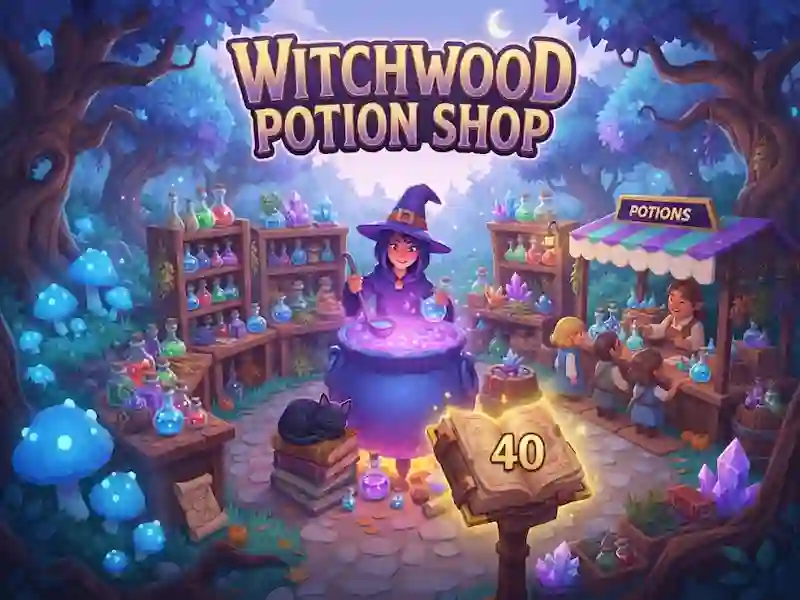
Witchwood Potion Shop starts as a forest potion shop
Develop a shop in the enchanted forest. In Witchwood Potion Shop you serve villagers, travelers and friendly ghosts.
Gather ingredients and brew potions
- Approach the glowing mushrooms, moon flowers and star crystals to collect them in the basket.
- Go to the cauldrons and put the ingredients in them. There is a similar potion preparation in the game Hexlands.
- Take the finished potions to the counter and serve the customers. Approach the coins to collect them.
Potions and buyers
Visitors come for potions of mana, love and star potion. The fourth potion, Rainbow Elixir, is brewed in a large cauldron. On full moon nights, potions sell for double the price. At the tasting tables, satisfied customers leave tips, and a fairy ring brings in groups of travelers.
Helpers and shop improvements
Hire a cat and students to collect ingredients, brew and deliver potions. The black cat Pip follows you. In the book of spells you can buy a larger basket, faster boots, stronger potions and hotter fire. To purchase, stand for improvement. Light the moon crystal, then open a new shop in the next forest.