

Drone Zero Racing over lagoons and volcano
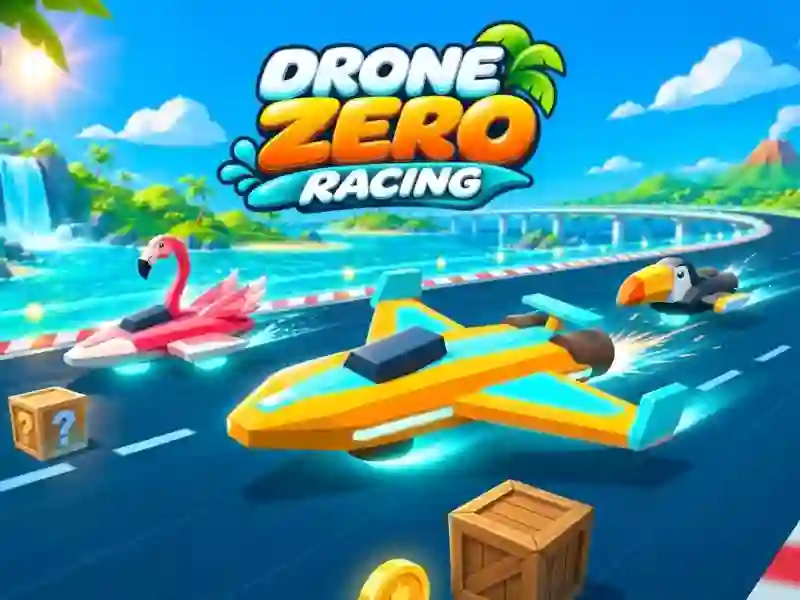
In Drone Zero Racing, you pilot an anti-gravity drone along 10 tracks over lagoons, jungles, a volcano and the night sea. This is one of the flying games with boost pads, item boxes and coins along the route. Acceleration, maneuver and bypassing wooden boxes are important here.
How to pass the first race
- On the straight, keep the drone on the track and pick up the pace.
- Before a narrow turn, use the air brake.
- Pick up boxes with items to take a shield, magnet, turbo or jump.
- Collect coins and go around the wooden boxes.
Modes, cups and garage
The game has 3 cups, Knockout and Time Trial. In Time Trial you beat your ghost. After the races, you return to the hangar and improve 8 drones, and precise driving of vehicles around turns is familiar from Traffic Jam 3d.
Speed and reaction on the track
Boost pads, turbos and item boxes help keep your speed higher. The shield makes it safer to make a mistake, the magnet helps you collect coins, and the jump gives you a different path to the area. Wooden boxes and tight turns test reactions in every section. Air brakes help you take turns without unnecessary stalling.