

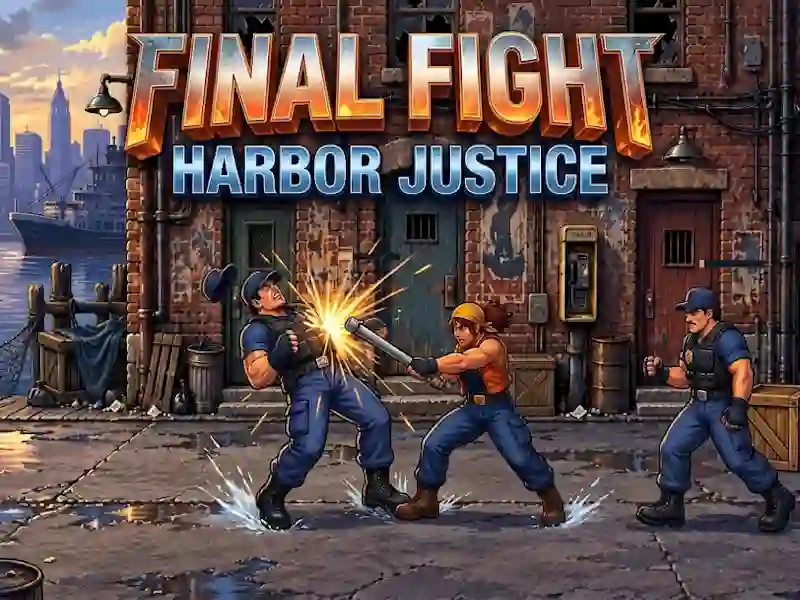
Final Fight: Harbor Justice on the piers and streets
In Final Fight: Harbor Justice you choose Nessa or Ivo and walk through the docks and city blocks. This is one of the action games where patrols show the swing in advance, and block and jump help keep the pace.
How to start completing Harbor Justice
- First, choose Nessa or Ivo and go to the first section of the embankment.
- Move across the screen to get close to the enemy without disrupting the rhythm of the battle.
- Use punch, jump, block and grab when you see an attack warning.
- Pick up a pipe or object and then throw it at the next target.
How do checkpoints work?
Local checkpoints save progress within a campaign. Scrolling takes you through the stages without stopping. Between battles there are bonus rounds for destruction and boss encounters. Demolition of boxes in bonus rounds is familiar from Melon Playground.
How to keep the streets and patrols under control
Patrols on the streets slow down the pace because their attacks are read in advance. You look for supplies on boxes, and build short series of attacks on enemies. Detailed drawing of fighters, recorded blows and noise of the embankment go along with the original arcade rhythm. Patrols on the streets press the pace - familiar from Real Gangster City Crime Vegas 3D.