
Double Dragon: Broken District — free online game
Double Dragon: Broken District
10 / 10
Loading...
Double Dragon: Broken District — free online game
Double Dragon: Broken District
Don't like this game?
Tell us why
Continue on your phone
Scan the QR code to open this game on your mobile device
How to play
Double Dragon: Broken District — free online game

Double Dragon: Broken District

Rating
10 (3 votes)
Technology
HTML5 (Javascript)
Platform
Browser (desktop, mobile, tablet)
Screen Orientation
Landscape
Release
October 2026
Name
Double Dragon: Broken District
Category
Adventure & Action

Double Dragon: Broken District - four missions and a fight with a partner

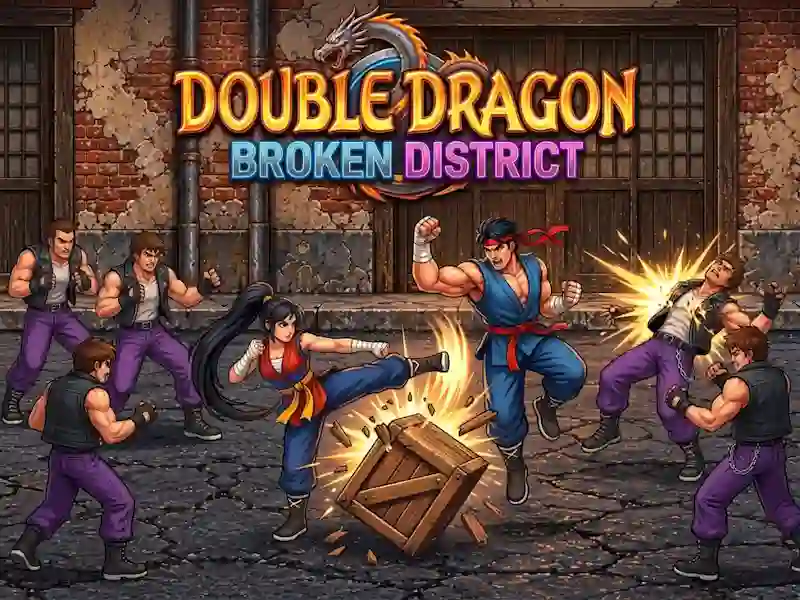
In Double Dragon: Broken District, you choose Mina or Ken and go through four missions to find your missing mentor after a dojo fire. An AI-controlled partner fights next to you, and the battle is based on a series of blows and throws in action.

How to choose a hero and start a battle

  1. Choose Mina or Ken and keep an AI partner nearby.
  2. Hit your enemies with a series of punches and kicks.
  3. Avoid the swings and go for the throw.
  4. Pick up staves and use Twin Spirit against strong enemies.

How many meetings in one chapter

There are three encounters in each chapter, and the entire story is divided into four missions. Each chapter has its own boss. Checkpoints allow you to return to an attempt without having to start completely.

How Strikes, Weapons, and Dual Spirit Work

A series of punches and kicks are important here, and it is better to disrupt the enemy’s swings by dodging. This is a kung fu fight where staves can be picked up and carried further. The arcade rhythm is supported by the original soundtrack. Short skirmishes go without pause, just like in Tekken 3.

How to play

PC:

  • WASD or Arrows - movement
  • J - punch
  • K - kick
  • L - grab and throw
  • Space - jump
  • Shift - dodge
  • Q - Double Spirit
  • E - change of hero
  • Esc - pause

Smartphone:

  • Virtual stick - movement
  • Button on the screen “Hit” - punch
  • Button on the screen “Kick” - kick
  • Button on the screen “Grab” - grab and throw
  • Button on the screen “Jump” - jump
  • Dodge screen button - dodge
  • Button on the screen “Twin” - Double spirit
  • Button on the “Swap” screen - changing the hero

Gameplay Video