

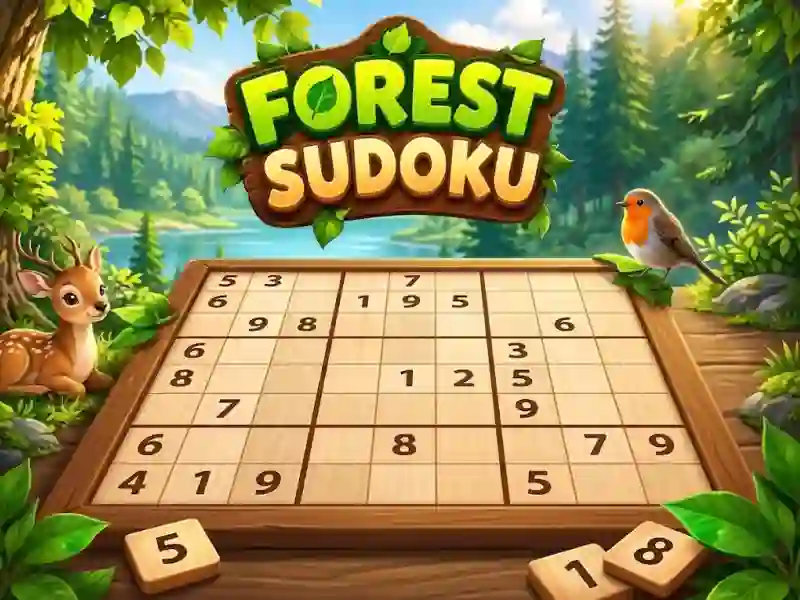
Forest Sudoku and 9x9 grid
In Forest Sudoku, you fill a 9x9 grid with numbers 1–9. This is a logic puzzle with a calm forest atmosphere and a choice of difficulty before starting.
How to start solving a mesh
- Choose difficulty before starting.
- Look at the empty rows, columns and 3x3 squares.
- Match numbers 1–9 without repeating.
- Check that the field is filled out without unnecessary errors.
What should be in each row, column and 3x3 square?
Each row, column and 3x3 square should contain the numbers 1-9 without repeating. You put in an empty cell only the number that does not break the row, column and 3x3 square. This way you gradually close the entire grid and don’t lose the solutions you’ve already found.
Why complexity matters here
Before you start, you choose the difficulty, and this changes the pace of the solution. On a more difficult grid, you often have to check the same numbers in a row, column, and 3x3 square. The goal here is simple: complete the 9x9 board faster and with fewer errors - familiar from Sudoku Classic.