

Classic Sudoku — logic on a 9x9 grid
Classic Sudoku (Sudoku Classic) — a number logic game in the genre sudoku You fill in the empty cells with numbers from 1 to 9. Unlike Sudoku with a story and rewards, there is no progression — just pure tasks and a timer. Available on PC, smartphones and tablets.
Build a grid without repetitions
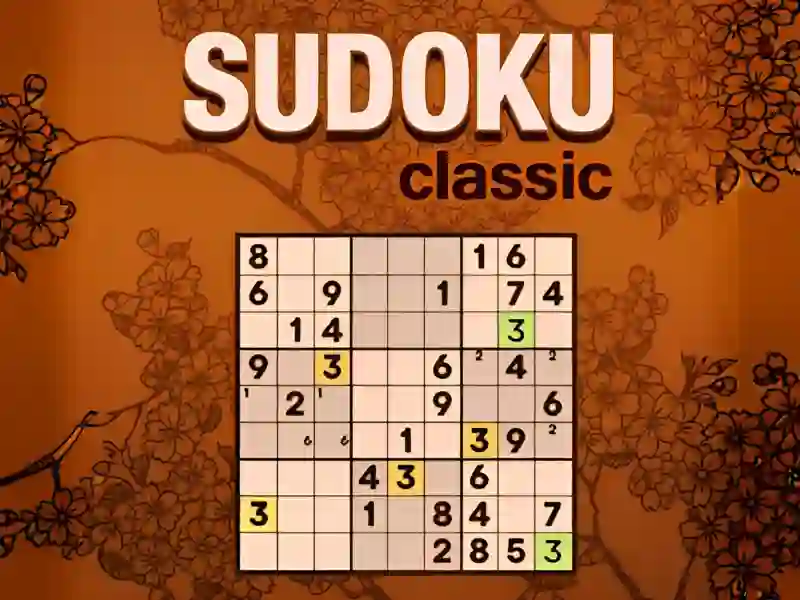
The field is divided into 9 blocks of 9 cells. There are 81 cells in total, some of the numbers are from the very beginning. You choose a cell and put a number. In each row, column and block, the number appears exactly once. Notes mode stores multiple options in one cell. The easy level is solved in a couple of minutes, the expert level takes half an hour. Similar clean format Sudoku — Pin. Games.
Difficulty levels and time
Your goal is to close all 81 cells without making mistakes. Difficulty is selected before the start, from easy to expert. The higher the level, the fewer starting numbers on the field. Progress is measured by time and number of errors, not by the discovery of new modes. The game does not introduce any new mechanics — the set of tools is the same at all levels, as in other levels puzzles this type.
Who is the game suitable for?
The game is suitable for lovers of numbers and a calm pace. A beginner starts at an easy level and learns basic logic in one session. An experienced player takes the expert level and plays for a while. For an option with design and tasks, take it to Sudoku Quest.
Solve the first puzzle
- Select the difficulty level and start the game.
- Find the block with the smallest number of empty cells.
- Enter the number by row and column elimination.
- Write down controversial options in notes.
- Calculate which number is already on the field more often than others. Arrange it in all nine blocks first.
- Work with the block, row or column where the fewest numbers are missing. There the answer is found faster.
Launch Classic Sudoku right now — for free, without installation on your PC, smartphones and tablets, right in your browser!